

Typed fulfillment tasks per order item
Commerce
FulfillmentDeliver orders according to each product type
Fulfillment turns paid order items into the correct delivery workflow for physical goods, downloads, licenses, subscriptions and services. Reliable tasks, retries and reverse fulfillment keep delivery accountable after payment.
하나의 모듈형 플랫폼 일부Sell online — storefront, payments and operations데이터베이스 1개 · 로그인 1개 · 재입력 불필요
Why it matters
Sales slip when product, price, stock and delivery live in different tools.
Store Console keeps them on one record, so the price a shopper sees is the price they pay, and every order reaches stock and delivery without re-typing.
제공되는 기능
Fulfillment 기능을 업무 흐름에 맞춰 활용하세요.
Physical, digital, license and service workflows
Retry-safe queued execution
Reverse fulfillment when orders are refunded
Status history and operational dashboards
Event-driven handoff to delivery and entitlement modules
이용 방법
Fulfillment을 단계별로 살펴보세요.
Split by item
Each paid item gets its own task: ship, download, license, subscription or service.
Run the right workflow
Goods go to delivery, files and keys to the customer's account, and services to your team.
Retry safely
Queued tasks retry on their own, so a temporary failure never loses a delivery.
Reverse on refund
A refund takes back access, keys or stock automatically, with a full status history.
관리자 화면
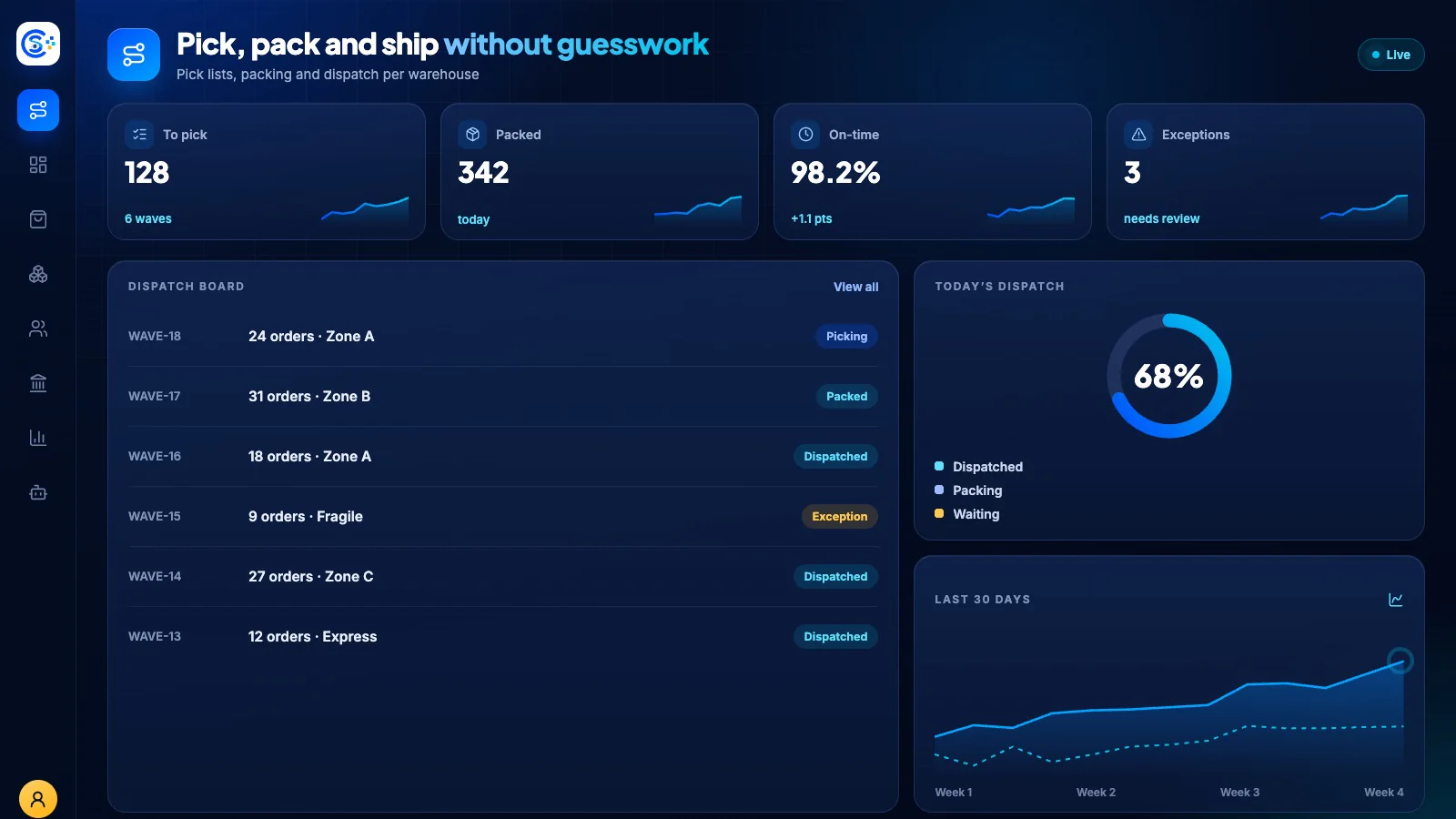
Store Console 관리자 화면에서 Fulfillment을 확인하세요.
필요한 기능부터 시작하세요
Fulfillment을 자체 서버에서 운영하세요.
이 모듈로 시작해 필요할 때 관련 모듈을 추가하세요. 모든 데이터는 자체 서버에 보관됩니다.
Watch the tour
See Fulfillment at work.
Every product type, delivered through one contract.