

Composable pricing steps and priorities
Commerce
PricingOne pricing truth from catalog to charge
Pricing evaluates products, customers, channels, quantities, promotions and module selections through a composable calculation pipeline. The same result follows the buyer from product view to cart, checkout and the immutable order snapshot.
하나의 모듈형 플랫폼 일부Sell online — storefront, payments and operations데이터베이스 1개 · 로그인 1개 · 재입력 불필요
Why it matters
Sales slip when product, price, stock and delivery live in different tools.
Store Console keeps them on one record, so the price a shopper sees is the price they pay, and every order reaches stock and delivery without re-typing.
제공되는 기능
Pricing 기능을 업무 흐름에 맞춰 활용하세요.
Customer, quantity and channel context
Per-module and bundle pricing
Deterministic calculation breakdowns
Signed fingerprints prevent checkout drift
One result reused by cart and order
이용 방법
Pricing을 단계별로 살펴보세요.
Gather the context
Each price considers the product, customer, quantity, channel and active promotions.
Run the steps
Pricing steps apply in a fixed order, with a clear breakdown of every adjustment.
Sign the result
A signed fingerprint locks the result, so checkout can detect any change.
Reuse it everywhere
The same price follows the shopper from product page to cart, order and invoice.
관리자 화면
Store Console 관리자 화면에서 Pricing을 확인하세요.
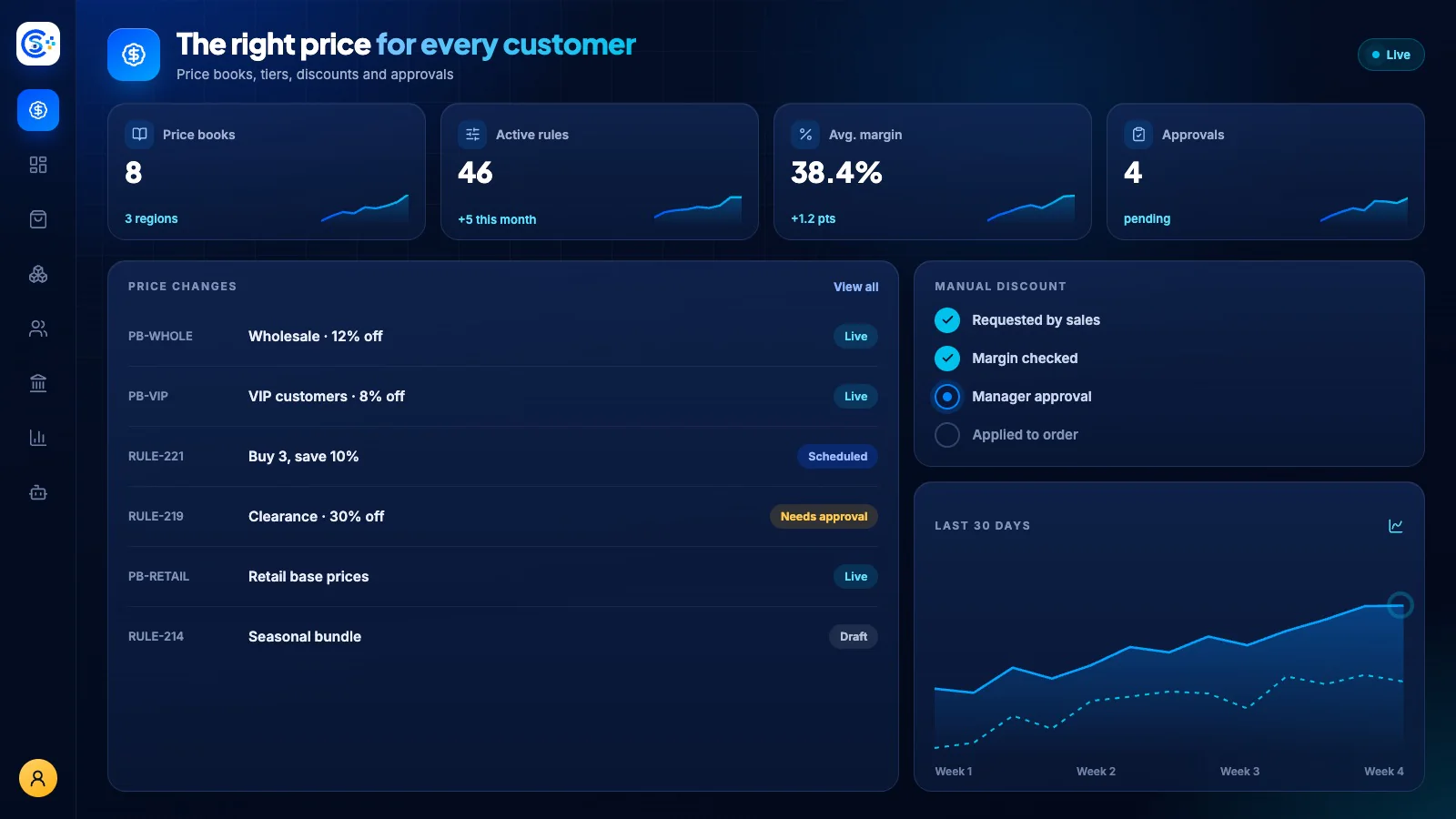
필요한 기능부터 시작하세요
Pricing을 자체 서버에서 운영하세요.
이 모듈로 시작해 필요할 때 관련 모듈을 추가하세요. 모든 데이터는 자체 서버에 보관됩니다.
Watch the tour
See Pricing at work.
One pricing truth, from catalog to charge.