

Milestone templates per service product
Commerce
Service DeliverySell scoped work with milestones and approval
Service Delivery runs project-based products after checkout, from staff assignment and milestones to deliverables, customer acceptance, disputes and extra charges. Every commercial change stays tied to the originating order.
하나의 모듈형 플랫폼 일부Sell online — storefront, payments and operations데이터베이스 1개 · 로그인 1개 · 재입력 불필요
Why it matters
Sales slip when product, price, stock and delivery live in different tools.
Store Console keeps them on one record, so the price a shopper sees is the price they pay, and every order reaches stock and delivery without re-typing.
제공되는 기능
Service Delivery 기능을 업무 흐름에 맞춰 활용하세요.
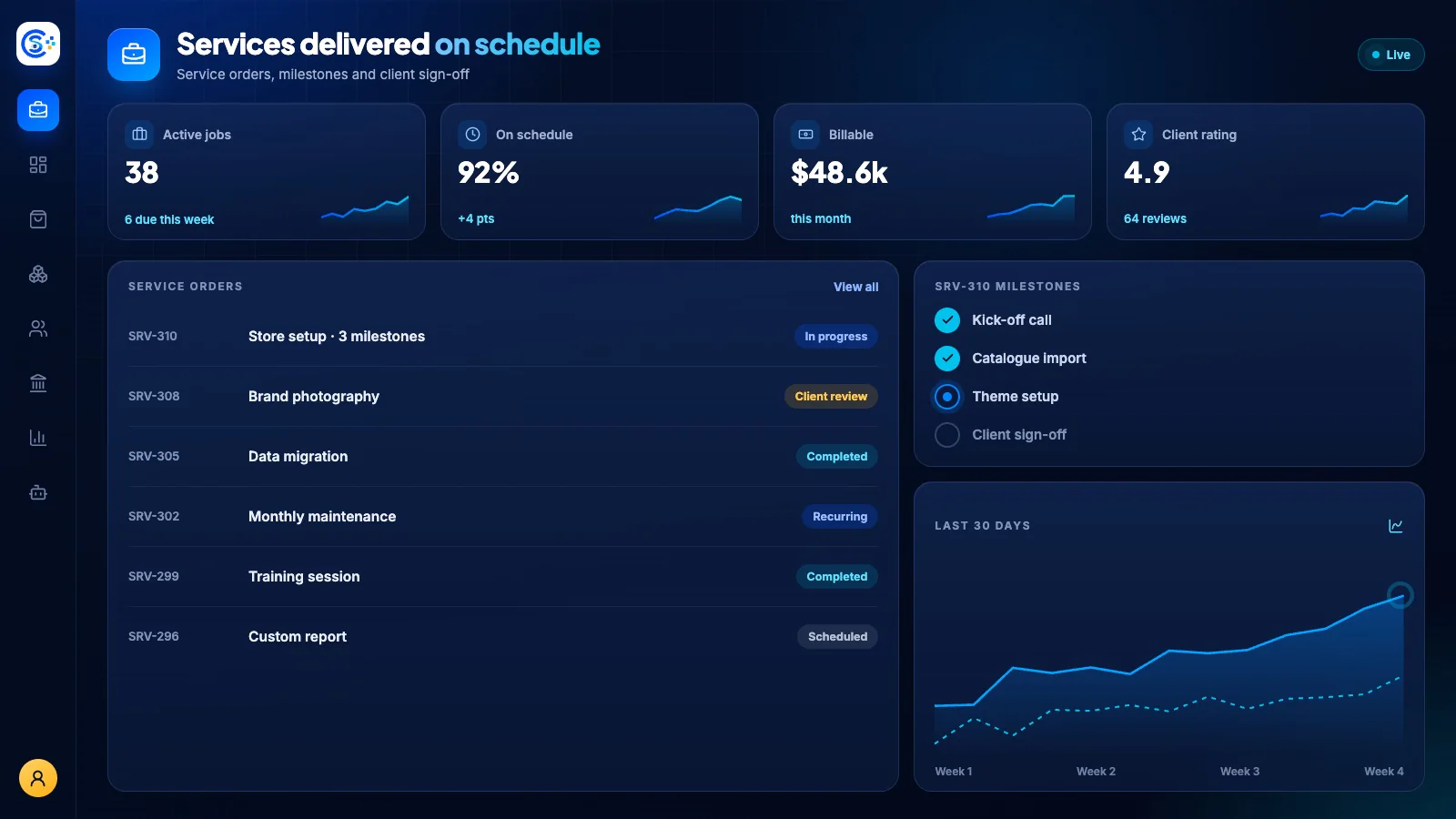
Staff assignment and project status controls
Deliverable upload and customer review
Extra-charge proposal and approval
Dispute, hold and cancellation workflows
Payment and accounting events from completed work
이용 방법
Service Delivery을 단계별로 살펴보세요.
Plan the work
Each service product comes with milestone templates and a project status.
Assign the team
Staff are assigned to the order and see what is due next.
Deliver and approve
Upload deliverables for the customer to review and accept.
Handle changes
Propose extra charges, manage disputes, and post completed work to payments and accounting.
관리자 화면
Store Console 관리자 화면에서 Service Delivery을 확인하세요.
필요한 기능부터 시작하세요
Service Delivery을 자체 서버에서 운영하세요.
이 모듈로 시작해 필요할 때 관련 모듈을 추가하세요. 모든 데이터는 자체 서버에 보관됩니다.
Watch the tour
See Service Delivery at work.
Every milestone, delivered and paid.