

Schedule events, meetings and deadlines
AI & content
CalendarOne shared calendar for your whole team
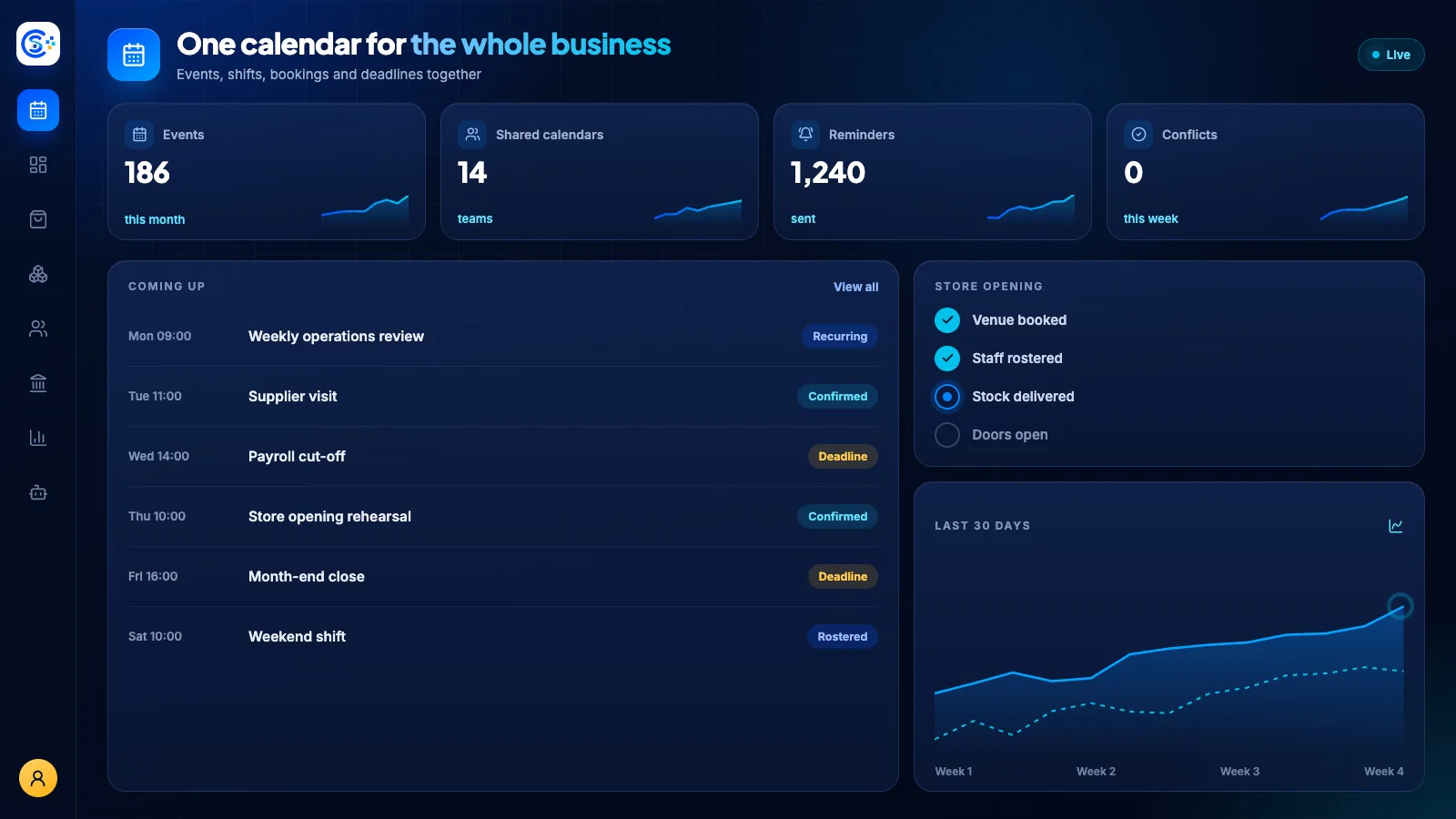
A unified team calendar where you schedule events, invite people and run meetings on Zoom, Google Meet or Teams with links created for you. Bookings, leave, deadlines and CRM dates from across your business show up automatically in one live view.
Del av én modulær plattformIncluded free with every planÉn database · én innlogging · ingen dobbelregistrering
Why it matters
AI only helps when it sees live data and respects who is asking.
Store Console AI works from your current records, follows each person’s permissions and asks for approval before it changes anything.
Dette får du
Funksjoner for Calendar i arbeidsflyten din.
Auto-create Zoom, Meet and Teams links
Invite participants and track responses
Add task checklists to any event
Control who sees each event
Live updates and event reminders
Slik fungerer det
Calendar, steg for steg.
Schedule
Create events, meetings and deadlines.
Meet online
Zoom, Google Meet and Teams links are created automatically.
Invite
Invite people and track their responses.
Stay on top
Add checklists, choose who sees each event and get live reminders.
I administrasjonsgrensesnittet
Se Calendar i admin for Store Console.
Start med det du trenger
Kjør Calendar på din egen server.
Start med denne modulen, legg til de du trenger etter hvert, og behold alle oppføringer på din egen server.
Watch the tour
See Calendar at work.
One calendar for the whole team, updated live.