

AI-drafted pages from a prompt
AI & content
DocsDocumentation your customers actually read
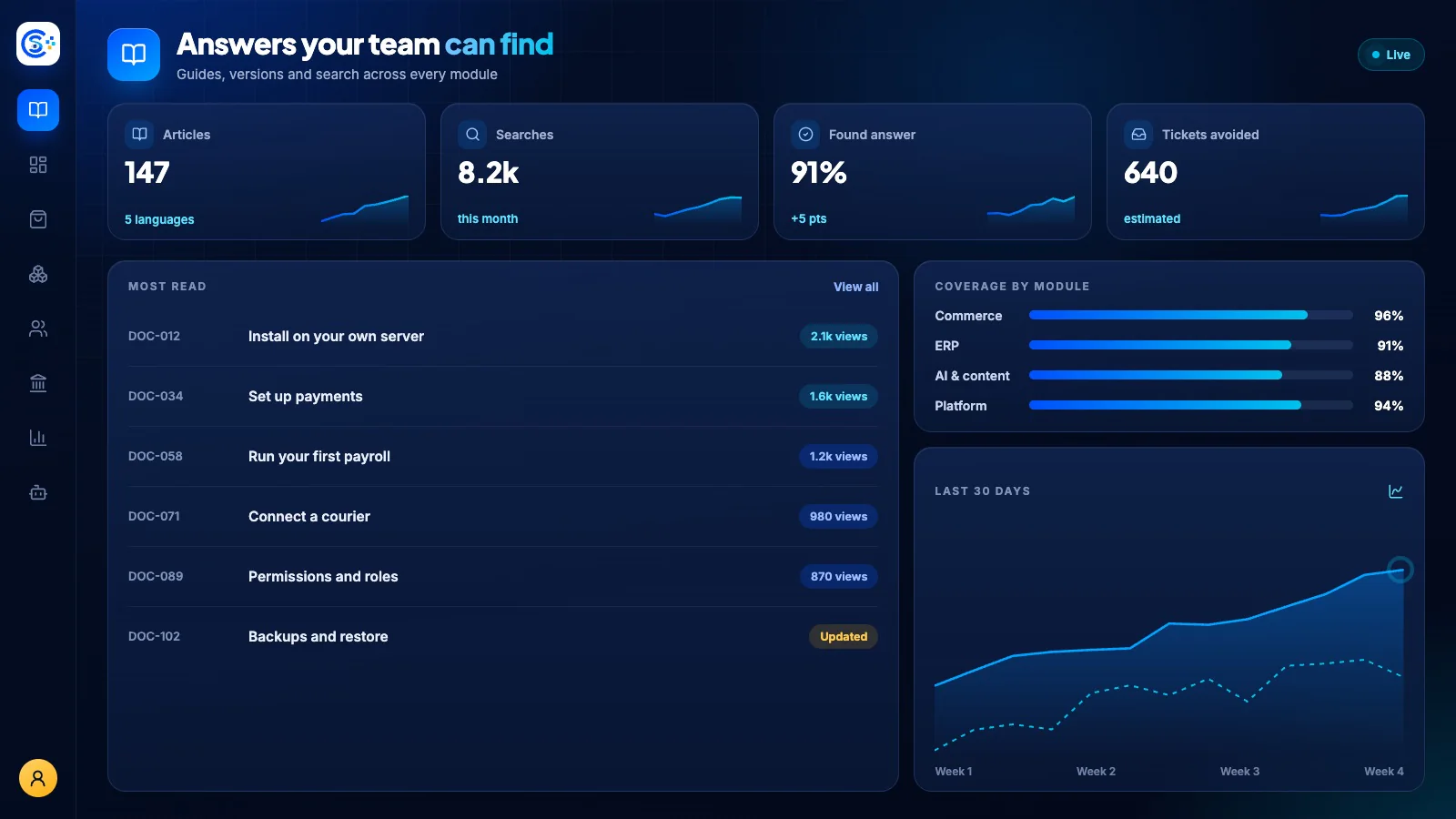
Build and publish searchable product documentation with organized sidebars, versioning and a polished public reader. Draft pages with AI, write in Markdown and move entire doc sets between sites with one-click export and import.
Fa parte di un'unica piattaforma modulareIncluded free with every planUn database · un accesso · senza doppi inserimenti
Why it matters
AI only helps when it sees live data and respects who is asking.
Store Console AI works from your current records, follows each person’s permissions and asks for approval before it changes anything.
Cosa ottieni
Capacità di Docs per il tuo workflow.
Full-text live search for readers
Version your docs (v1, v2, v3)
Write in Markdown or HTML
Export and import entire doc sets
Auto table of contents and sidebar
Come funziona
Docs, passo dopo passo.
Write
Write in Markdown or HTML, or let AI draft a page from a prompt.
Organize
The table of contents and sidebar build themselves.
Version
Keep v1, v2 and v3 of your docs side by side.
Find
Readers search the full text live, and you can export or import whole doc sets.
Nel pannello di amministrazione
Vedi Docs nel pannello di amministrazione Store Console.
Inizia da ciò che ti serve
Esegui Docs sul tuo server.
Inizia da questo modulo, aggiungi gli altri quando servono e tieni tutti i dati sul tuo server.
Watch the tour
See Docs at work.
Documentation projects, versions and searchable pages, recorded in the live demo.