

Scan or search products instantly
Commerce
POSRing up sales fast, even offline
Run counter sales with product lookup, receipts and cashier shifts. Record payments and returns, then connect the result to inventory and accounting. Offline behavior depends on the configured terminal and supported payment method.
1つの統合モジュラープラットフォームの一部Sell online — storefront, payments and operations1つのデータベース · 1つのログイン · 再入力不要
Why it matters
Sales slip when product, price, stock and delivery live in different tools.
Store Console keeps them on one record, so the price a shopper sees is the price they pay, and every order reaches stock and delivery without re-typing.
提供される機能
ワークフローに応じたPOSの機能。
Take cash, card, mobile, wallet
Offline sales with sync when the connection returns
Open and reconcile cash shifts
Process returns, voids and refunds
Flag fraud and view sales reports
仕組み
POSを順番に。
Ring up the sale
Scan or search products and take cash, card, mobile or wallet payments.
Keep selling offline
If the internet drops, the register keeps working and syncs when the connection returns.
Close the shift
Open and reconcile cash drawers per cashier, with returns and voids on record.
Sync stock and books
Every sale updates stock and posts to accounting, and unusual activity is flagged.
管理画面
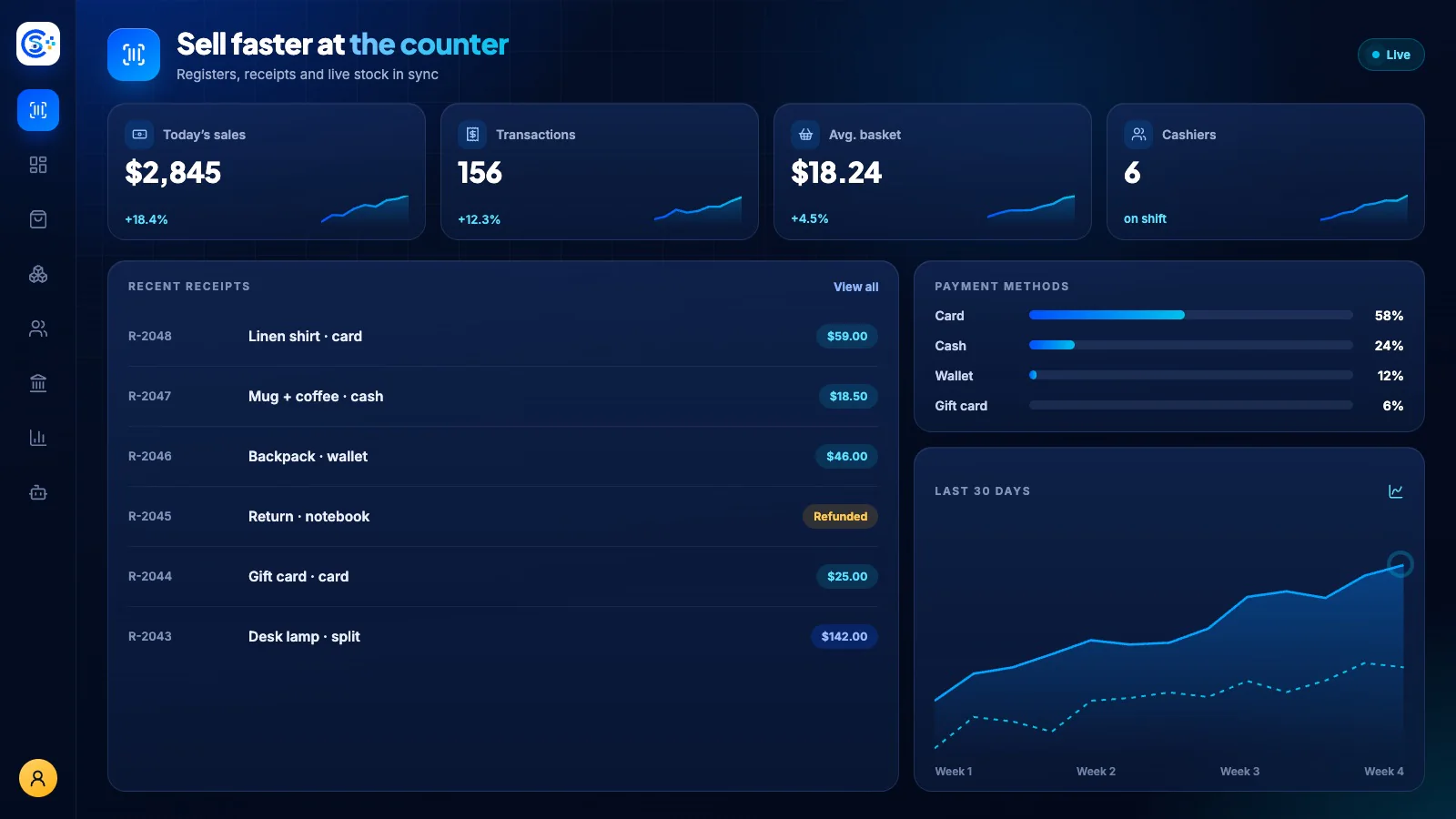
Store Consoleの管理画面でPOSを確認できます。
必要な機能から始めましょう
POSを自社サーバーで運用できます。
このモジュールから始め、必要なときに周辺モジュールを追加してください。すべてのデータは自社サーバーに保存されます。
Watch the tour
See POS at work.
Registers, sessions, receipts and stock that stays in sync with your online store, recorded in the live demo.