

Connect multiple gateways and currencies
Commerce
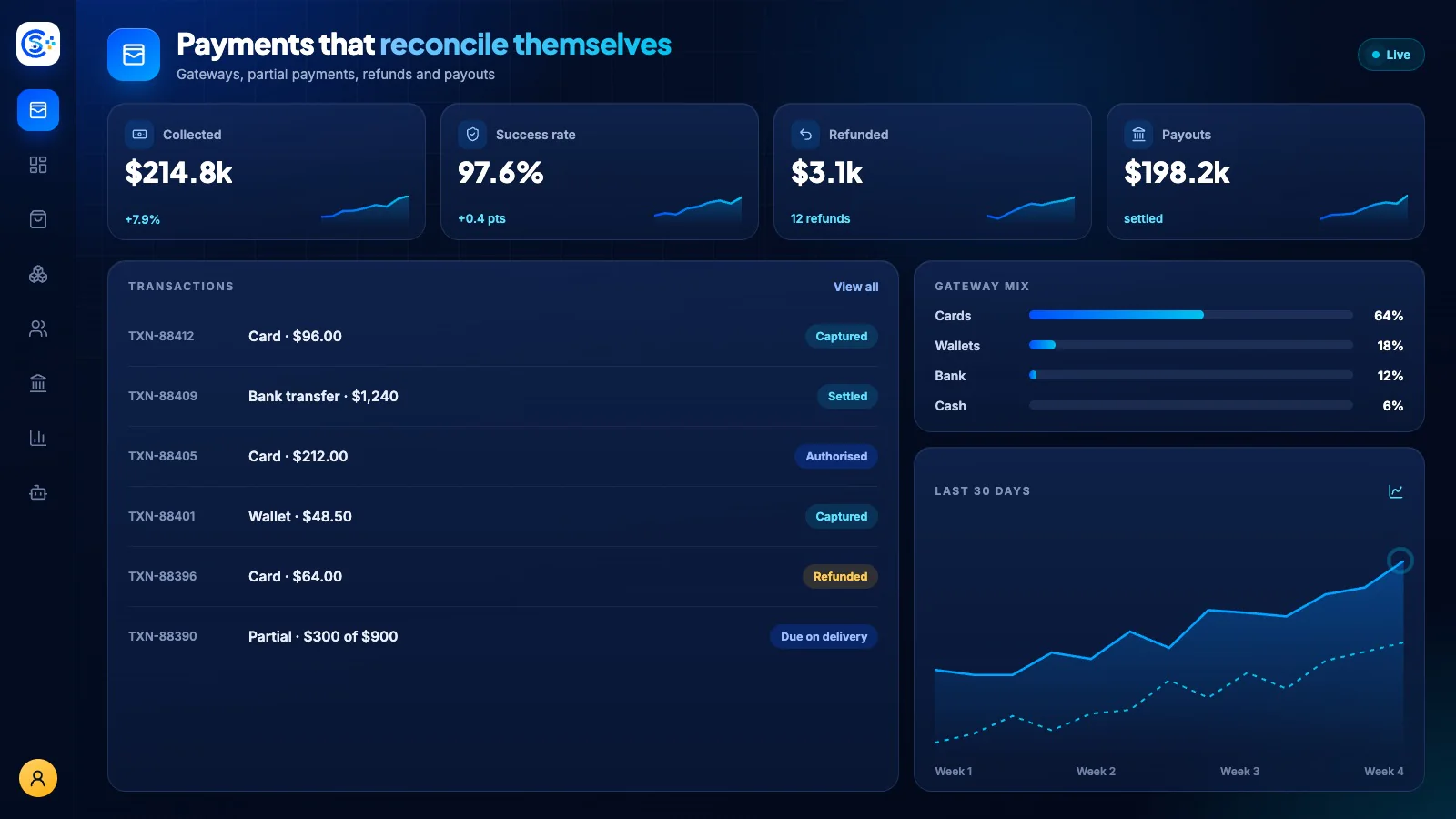
PaymentsTrack payments and refunds across supported gateways
Connect supported gateways and track payments, refunds and settlement records. Review payment status and risk signals alongside the order; gateway features and supported methods depend on your provider.
하나의 모듈형 플랫폼 일부Sell online — storefront, payments and operations데이터베이스 1개 · 로그인 1개 · 재입력 불필요
Why it matters
Sales slip when product, price, stock and delivery live in different tools.
Store Console keeps them on one record, so the price a shopper sees is the price they pay, and every order reaches stock and delivery without re-typing.
제공되는 기능
Payments 기능을 업무 흐름에 맞춰 활용하세요.
Review payment risk signals and fraud controls
Process refunds and chargeback disputes
Reconcile gateway settlements
Save customer cards for faster checkout
Revenue dashboards and CSV reports
이용 방법
Payments을 단계별로 살펴보세요.
Connect gateways
Add the payment gateways and currencies you sell in, plus cash on delivery.
Review payment risk
Use the available risk checks and gateway controls to review unusual payment activity.
Refunds and disputes
Refund in full or in part, and track chargebacks from the order itself.
Reconcile and report
Match gateway settlements to orders and see revenue by gateway, day and currency.
관리자 화면
Store Console 관리자 화면에서 Payments을 확인하세요.
필요한 기능부터 시작하세요
Payments을 자체 서버에서 운영하세요.
이 모듈로 시작해 필요할 때 관련 모듈을 추가하세요. 모든 데이터는 자체 서버에 보관됩니다.
Watch the tour
See Payments at work.
Every payment, accounted for.