

Scan or search products instantly
Commerce
POSRing up sales fast, even offline
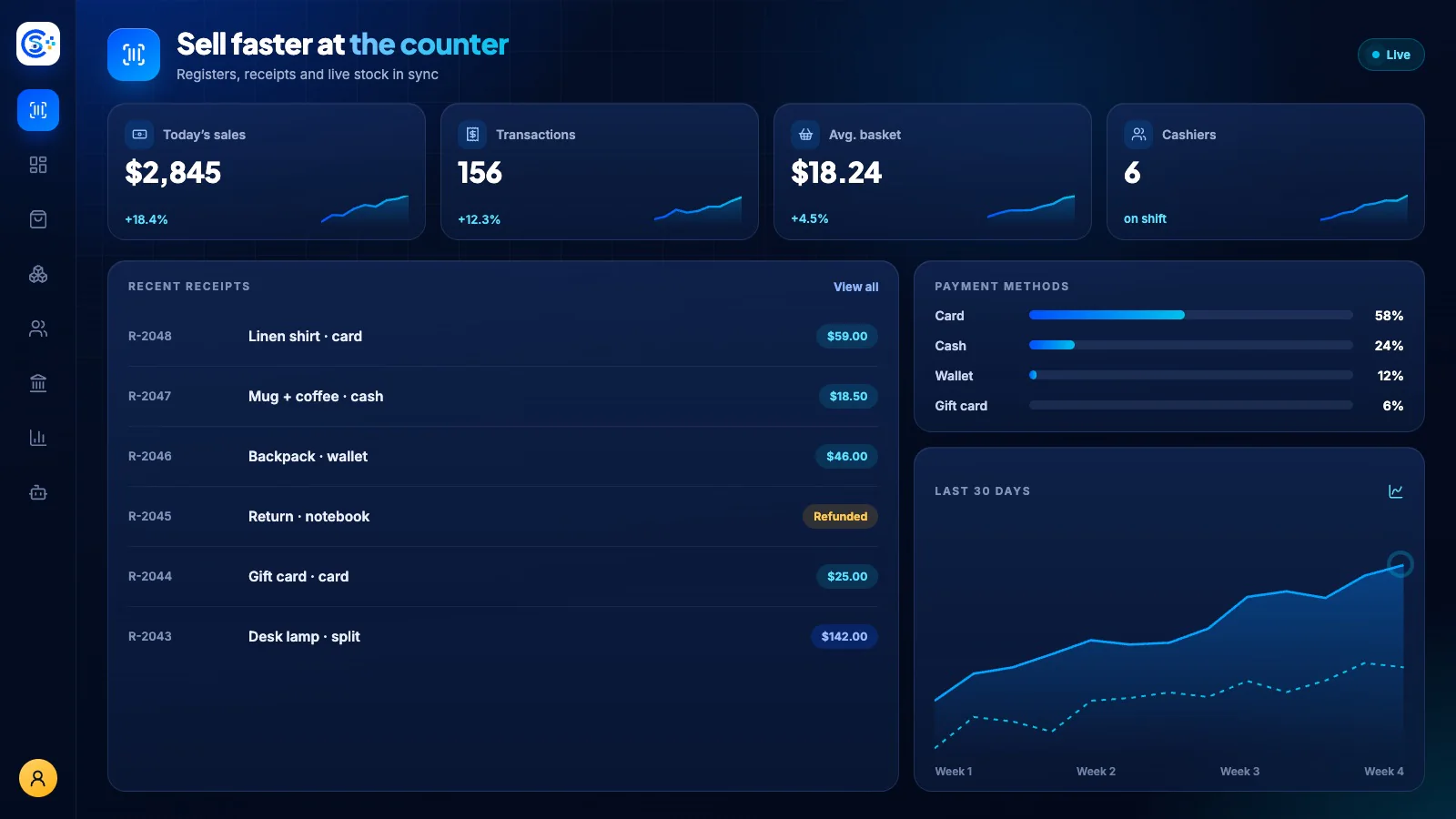
Run counter sales with product lookup, receipts and cashier shifts. Record payments and returns, then connect the result to inventory and accounting. Offline behavior depends on the configured terminal and supported payment method.
하나의 모듈형 플랫폼 일부Sell online — storefront, payments and operations데이터베이스 1개 · 로그인 1개 · 재입력 불필요
Why it matters
Sales slip when product, price, stock and delivery live in different tools.
Store Console keeps them on one record, so the price a shopper sees is the price they pay, and every order reaches stock and delivery without re-typing.
제공되는 기능
POS 기능을 업무 흐름에 맞춰 활용하세요.
Take cash, card, mobile, wallet
Offline sales with sync when the connection returns
Open and reconcile cash shifts
Process returns, voids and refunds
Flag fraud and view sales reports
이용 방법
POS을 단계별로 살펴보세요.
Ring up the sale
Scan or search products and take cash, card, mobile or wallet payments.
Keep selling offline
If the internet drops, the register keeps working and syncs when the connection returns.
Close the shift
Open and reconcile cash drawers per cashier, with returns and voids on record.
Sync stock and books
Every sale updates stock and posts to accounting, and unusual activity is flagged.
관리자 화면
Store Console 관리자 화면에서 POS을 확인하세요.
필요한 기능부터 시작하세요
POS을 자체 서버에서 운영하세요.
이 모듈로 시작해 필요할 때 관련 모듈을 추가하세요. 모든 데이터는 자체 서버에 보관됩니다.
Watch the tour
See POS at work.
Registers, sessions, receipts and stock that stays in sync with your online store, recorded in the live demo.