

Database-driven nested navigation
Platform services
MenuNavigation governed from one hierarchy
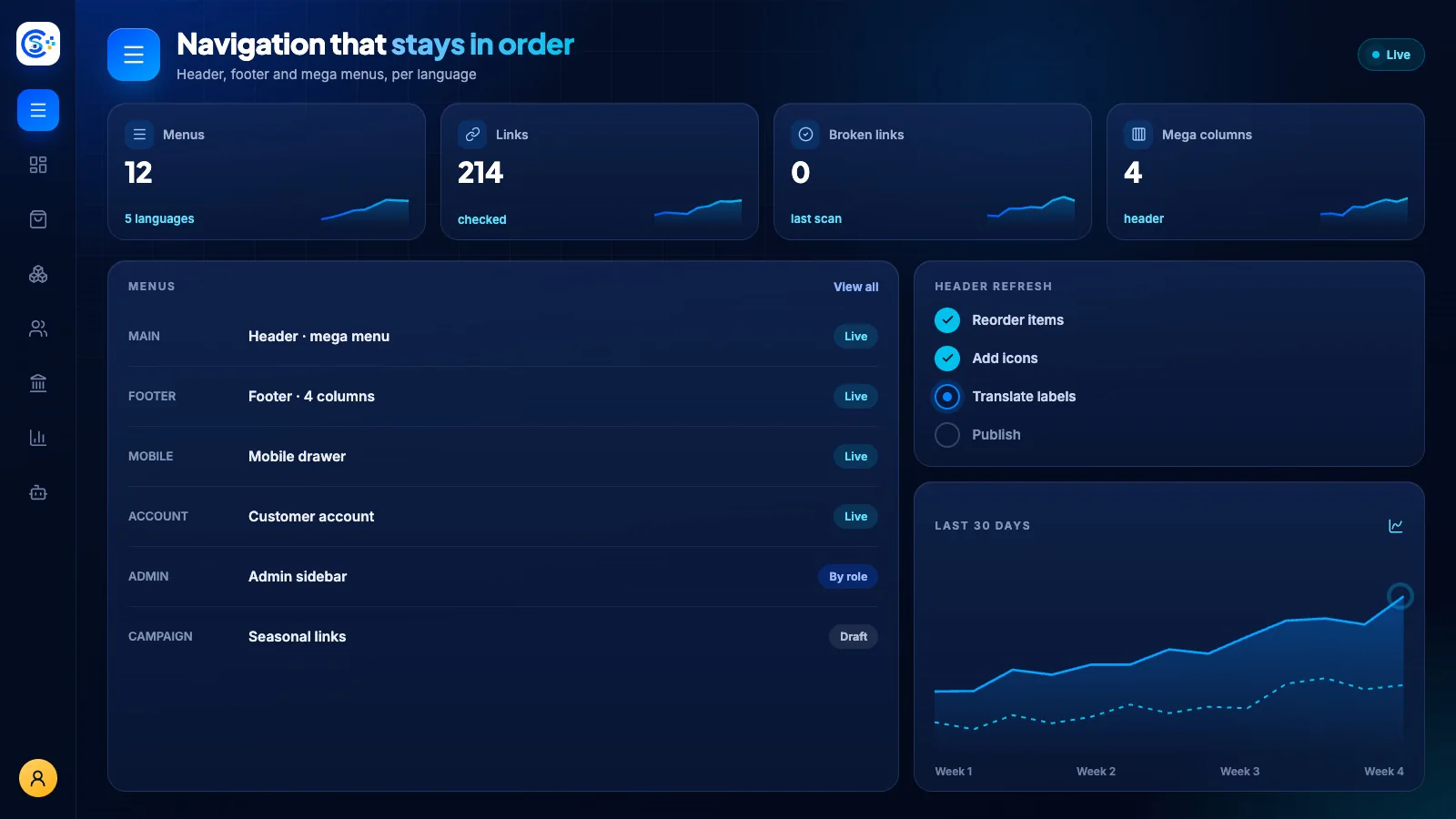
Menu provides database-driven navigation for the public site, admin panel and customer portal. Visibility, ordering and permissions are managed as data so every surface can adapt without hardcoded links.
Del av én modulær plattformSign-in, roles, licenses, menus and backupsÉn database · én innlogging · ingen dobbelregistrering
Why it matters
A business system is only as safe as its sign-in, roles and backups.
These platform services handle access, licenses, menus, notifications and verified backups for every module, so the business modules stay focused on the work.
Dette får du
Funksjoner for Menu i arbeidsflyten din.
Public, admin and customer menu contexts
Permission-aware item visibility
Deterministic ordering and grouping
Reusable menu API for every surface
Seeder-safe canonical navigation
Slik fungerer det
Menu, steg for steg.
Build the menu
Create nested menus for the storefront, the admin and the customer account.
Respect permissions
Each person sees only the items their role allows.
Order and group
Items keep a fixed order and grouping on every screen.
Reuse everywhere
Website, app and admin read the same menus from one API.
I administrasjonsgrensesnittet
Se Menu i admin for Store Console.
Start med det du trenger
Kjør Menu på din egen server.
Start med denne modulen, legg til de du trenger etter hvert, og behold alle oppføringer på din egen server.
Watch the tour
See Menu at work.
Navigation that grows with your business.