

AI-drafted pages from a prompt
AI & content
DocsDocumentation your customers actually read
Build and publish searchable product documentation with organized sidebars, versioning and a polished public reader. Draft pages with AI, write in Markdown and move entire doc sets between sites with one-click export and import.
One of 40+ connected modulesIncluded free with every planOne database · one login · no re-typing
Why it matters
AI only helps when it sees live data and respects who is asking.
Store Console AI works from your current records, follows each person’s permissions and asks for approval before it changes anything.
What you get
Docs capabilities for your workflow.
Full-text live search for readers
Version your docs (v1, v2, v3)
Write in Markdown or HTML
Export and import entire doc sets
Auto table of contents and sidebar
How it works
Docs, step by step.
Write
Write in Markdown or HTML, or let AI draft a page from a prompt.
Organize
The table of contents and sidebar build themselves.
Version
Keep v1, v2 and v3 of your docs side by side.
Find
Readers search the full text live, and you can export or import whole doc sets.
In the admin
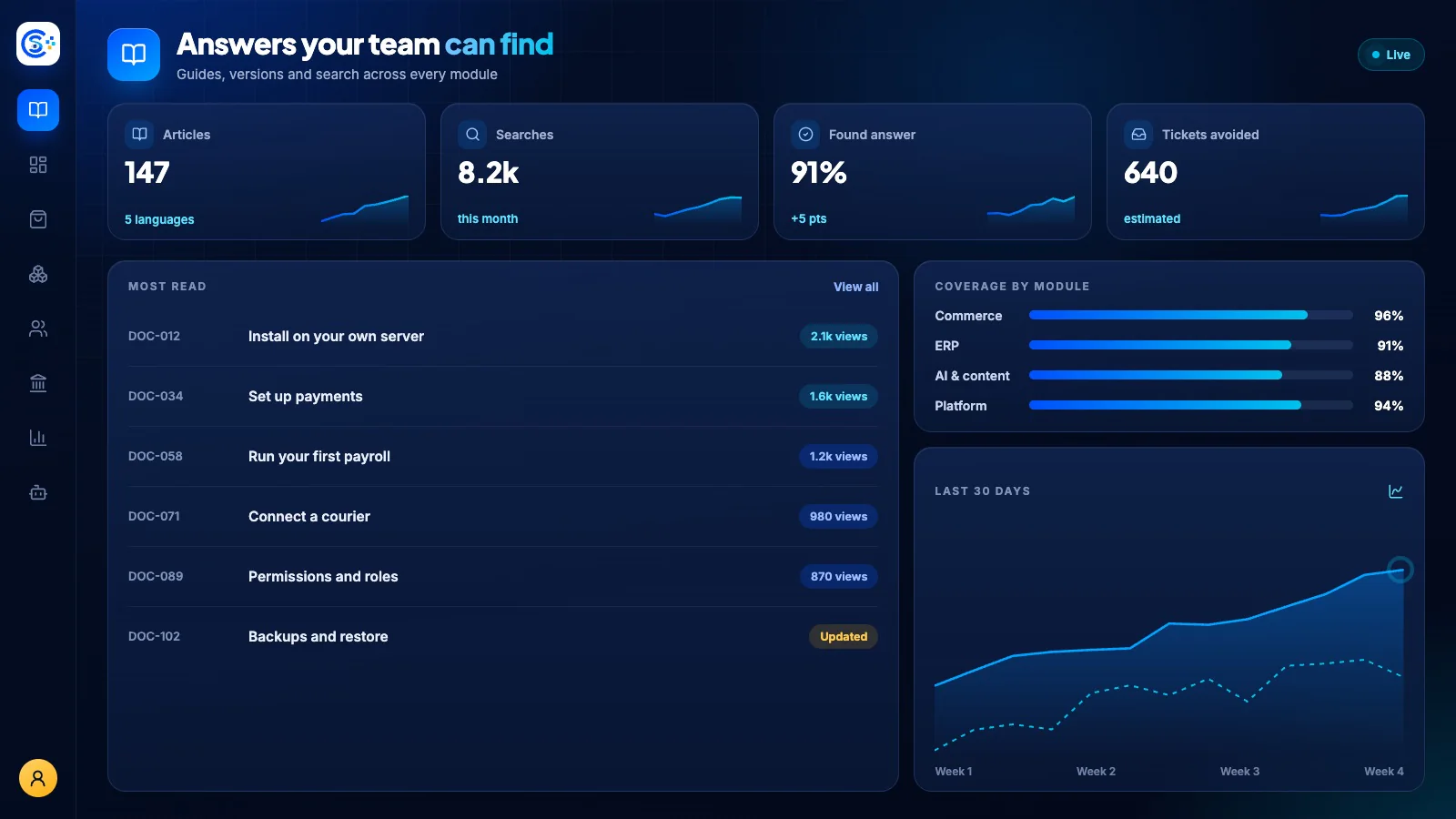
See Docs in the Store Console admin.
Start with what you need
Run Docs on your own server.
Start with this module, add the ones around it when you need them, and keep every record on your own server.
Watch the tour
See Docs at work.
Documentation projects, versions and searchable pages, recorded in the live demo.