

Drag-and-drop visual page editor
AI & content
Page BuilderBuild stunning pages by dragging blocks
Design storefront and marketing pages visually with a drag-and-drop editor and 20+ ready-made blocks, no coding required. Save reusable templates, preview on any device and publish to a clean public URL in one click.
Bahagi ng isang modular na platformIncluded free with every planIsang database · isang login · walang paulit-ulit na pag-type
Why it matters
AI only helps when it sees live data and respects who is asking.
Store Console AI works from your current records, follows each person’s permissions and asks for approval before it changes anything.
Ano ang makukuha mo
Kakayahang Page Builder para sa iyong workflow.
20+ blocks: hero, gallery, CTA
Reusable templates and saved layouts
Auto-save with full revision history
Desktop, tablet, mobile previews
SEO meta and Google Fonts built in
Paano ito gumagana
Page Builder, sunod-sunod.
Pick a block
Start from 20+ blocks or a saved layout.
Edit visually
Drag blocks, edit text and swap media right on the page.
Preview
Check desktop, tablet and mobile before you publish.
Publish safely
Auto-save and full revision history let you roll back at any time, with SEO settings built in.
Sa admin
Tingnan ang Page Builder sa admin ng Store Console.
Magsimula sa kailangan mo
Patakbuhin ang Page Builder sa sarili mong server.
Magsimula sa module na ito, idagdag ang mga kalapit nito kapag kailangan mo, at panatilihin ang lahat ng record sa sarili mong server.
Watch the tour
See Page Builder at work.
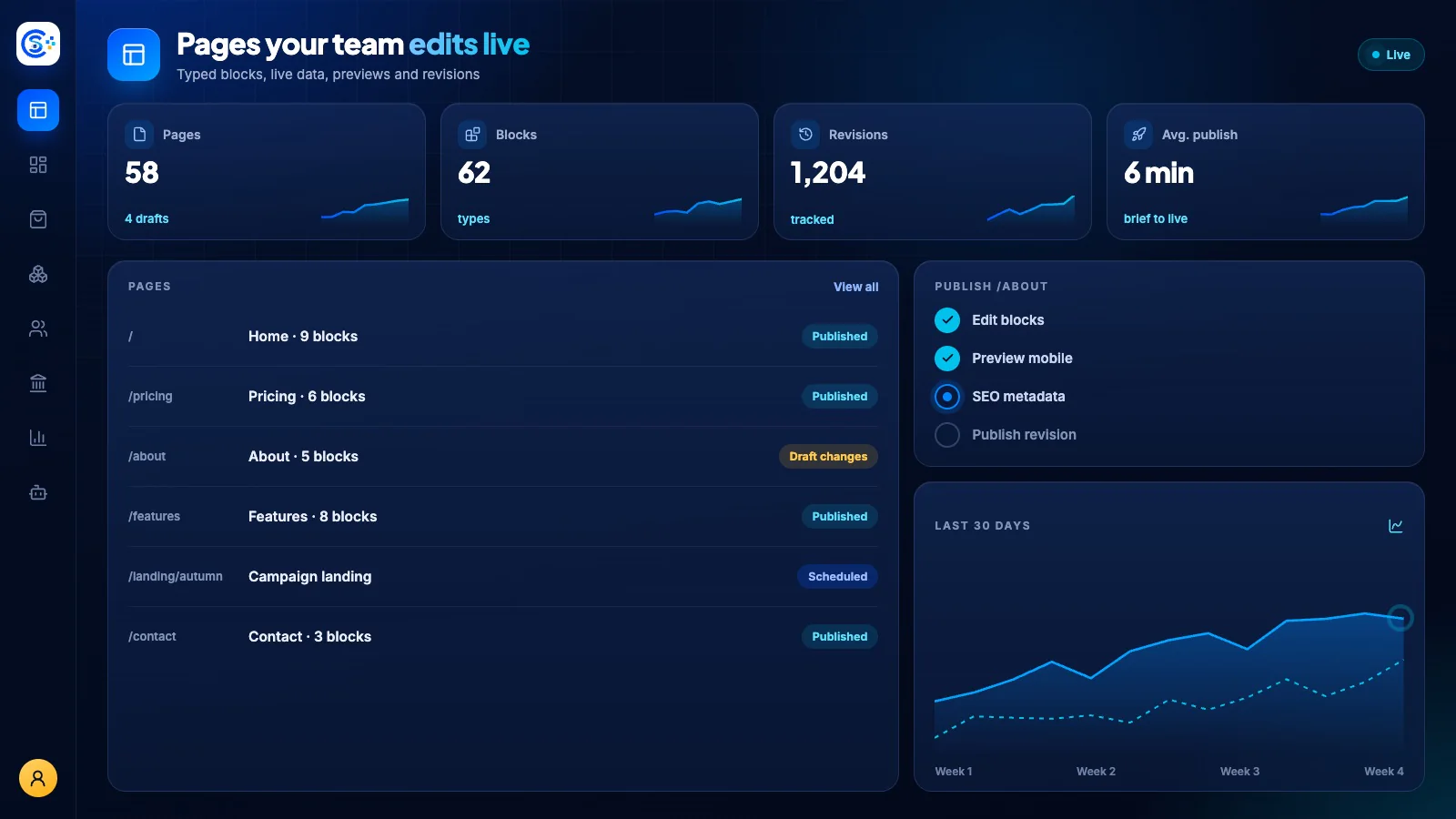
Typed blocks, live catalog data, responsive previews and one-click publishing, recorded in the live demo.
Watch the guide
Build a page, step by step.
Build a page from blank to live: blocks, settings, SEO and publish.
Watch the guide
Create a slider or banner, step by step.
Design a banner or slider once, fit it to every screen, and show it on any page.