

Drag-and-drop single or bulk uploads
AI & content
GalleryOne media library for your whole store
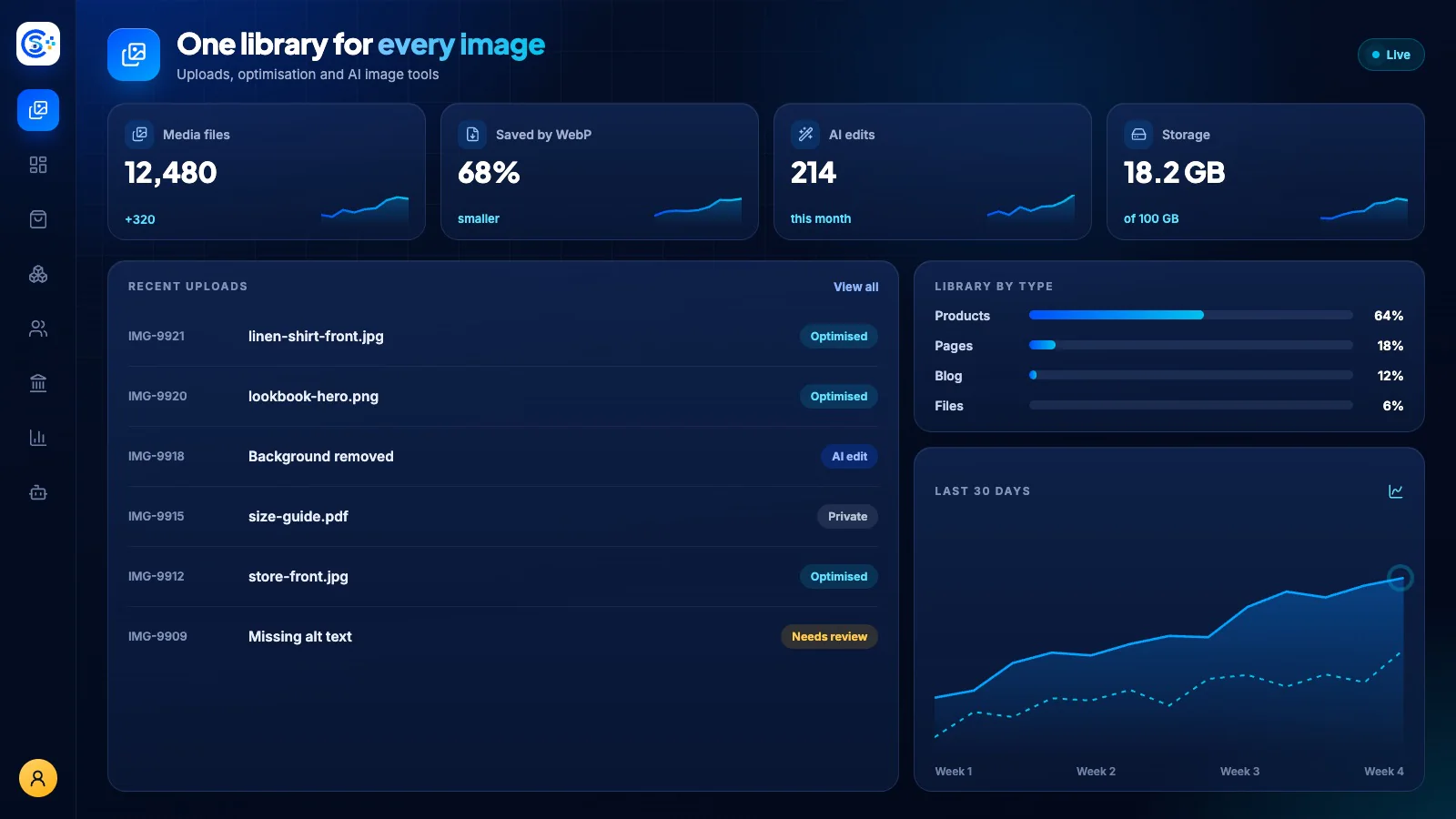
Gallery is your central home for every image and file, with drag-and-drop uploads, automatic optimization and reusable media across products, blog posts and forms. Generate or improve product images with AI from a text prompt, and keep private files secure behind access controls.
One of 40+ connected modulesIncluded free with every planOne database · one login · no re-typing
Why it matters
AI only helps when it sees live data and respects who is asking.
Store Console AI works from your current records, follows each person’s permissions and asks for approval before it changes anything.
What you get
Gallery capabilities for your workflow.
Automatic image optimization and thumbnails
AI image generation from a prompt
Improve product photos with AI
Reuse media across every module
Secure private files with access controls
How it works
Gallery, step by step.
Upload
Drag in one file or hundreds at once.
Optimize
Images are compressed and resized automatically.
Create with AI
Generate images from a prompt or improve product photos.
Reuse and protect
Use the same media across every module, and keep private files behind access controls.
In the admin
See Gallery in the Store Console admin.
Start with what you need
Run Gallery on your own server.
Start with this module, add the ones around it when you need them, and keep every record on your own server.
Watch the tour
See Gallery at work.
Every image and file in one place, optimized automatically and improved with AI, recorded in the live demo.