

Database-driven nested navigation
Platform services
MenuNavigation governed from one hierarchy
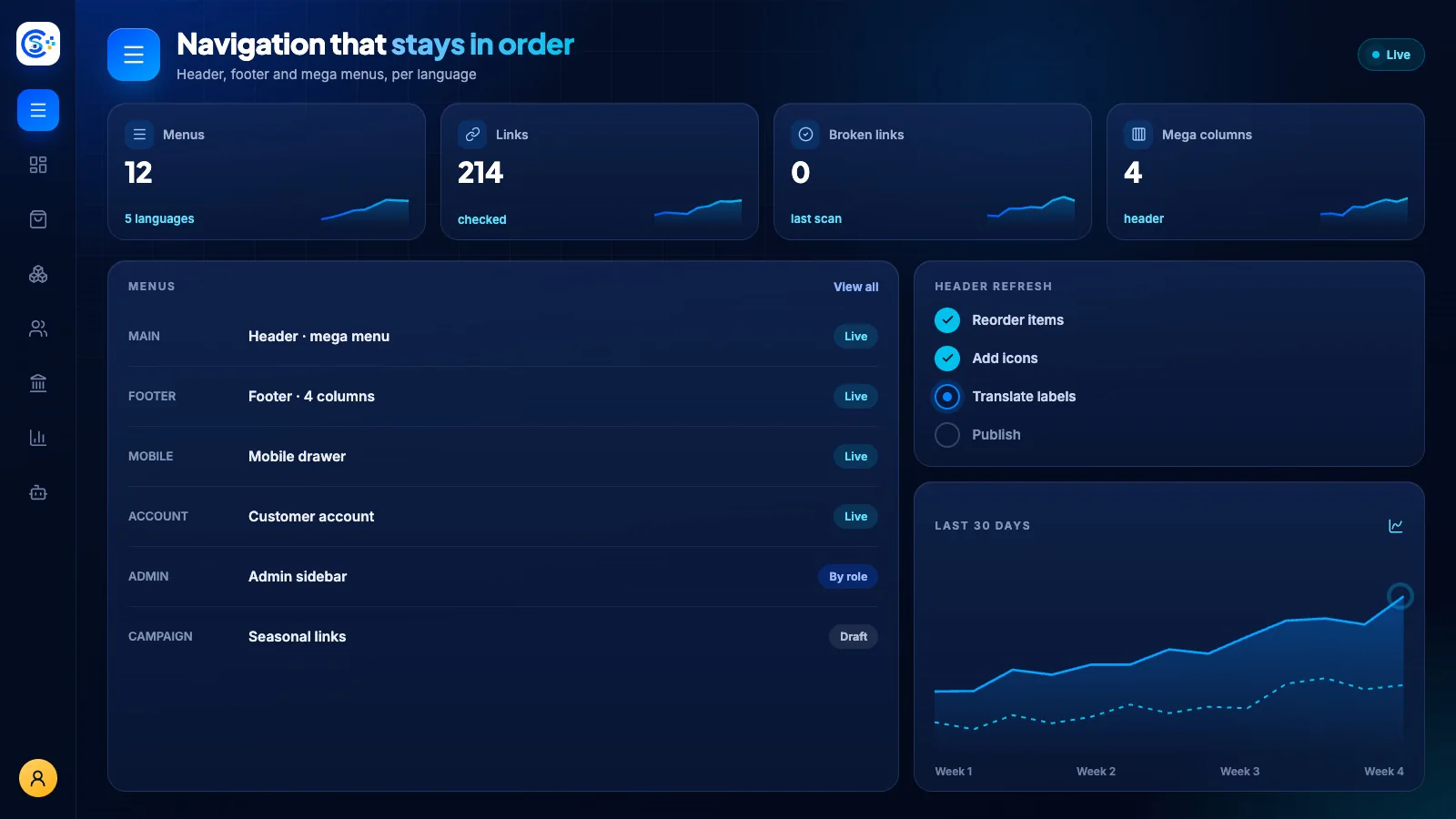
Menu provides database-driven navigation for the public site, admin panel and customer portal. Visibility, ordering and permissions are managed as data so every surface can adapt without hardcoded links.
One of 40+ connected modulesSign-in, roles, licenses, menus and backupsOne database · one login · no re-typing
Why it matters
A business system is only as safe as its sign-in, roles and backups.
These platform services handle access, licenses, menus, notifications and verified backups for every module, so the business modules stay focused on the work.
What you get
Menu capabilities for your workflow.
Public, admin and customer menu contexts
Permission-aware item visibility
Deterministic ordering and grouping
Reusable menu API for every surface
Seeder-safe canonical navigation
How it works
Menu, step by step.
Build the menu
Create nested menus for the storefront, the admin and the customer account.
Respect permissions
Each person sees only the items their role allows.
Order and group
Items keep a fixed order and grouping on every screen.
Reuse everywhere
Website, app and admin read the same menus from one API.
In the admin
See Menu in the Store Console admin.
Start with what you need
Run Menu on your own server.
Start with this module, add the ones around it when you need them, and keep every record on your own server.
Watch the tour
See Menu at work.
Navigation that grows with your business.