Social Media Sales: Campaigns, Scheduling and AI Prompts
Plan social media sales with scheduled content, reviewed Meta campaigns and four useful AI prompts. Connect marketing decisions to ecommerce and ERP records.
Penulis
Anichur Rahaman
3 hari yang lalu7 menit baca20 tampilan
Imagine a small electronics store on Monday morning. A useful product video is ready, three captions sit in a chat, and someone has already suggested boosting the post. Yet nobody can answer one practical question: which product page should the viewer reach, and what happens after the order arrives?
This is an illustrative scenario, but the operating problem is familiar. Good creative attracts attention. A connected process turns that attention into a sale the business can fulfil. For ecommerce teams, social media planning belongs beside the catalog, stock, customer conversations and order records.
This playbook shows how to use Store Console Social Hub to prepare a campaign, upload and schedule content, review paid activity and learn from the resulting orders. It includes four prompts you can adapt without handing AI control of your advertising budget.
See how the business connects
An excerpt from our existing English product walkthrough, with English captions. It shows AI content, customer conversations and connected business workflows using illustrative data. Automatic actions depend on enabled modules, settings and permissions.
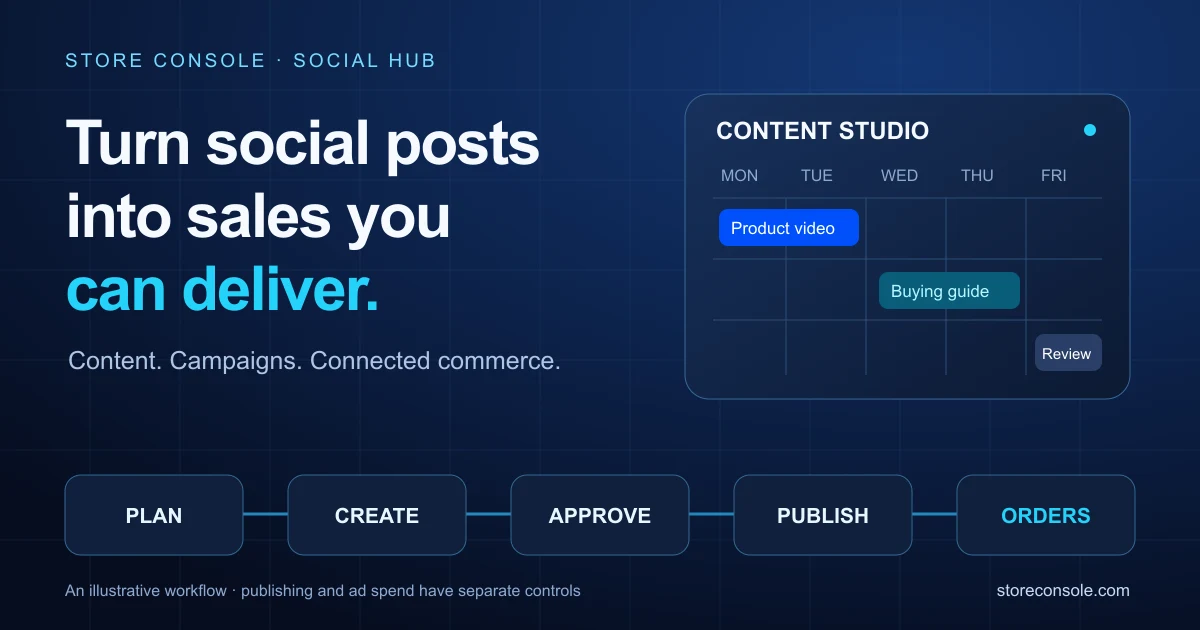
The useful pattern is simple: one message → a reviewed asset → scheduled publication → a relevant destination → a verified order → a business review. Organic posts and paid ads share the message, but have separate publication and spending controls.
1. Write the sales brief before the caption
Choose one audience, one problem and one next step. For a compact power bank, the problem might be keeping a phone charged during a working day. Show the product, explain verified specifications and send interested buyers to its product page. Avoid adding unsupported “fastest”, “best” or battery-life claims.
Give the team a short brief: the product URL, confirmed price and stock, approved offer dates, supported claims, creative format, campaign owner and the action you want the viewer to take. A product that cannot be delivered should not be the centre of a sales push.
2. Turn one idea into a manageable week
Start with a small sequence. These are planning examples, not a claim that a particular day or time performs best for every audience.
Day 1 — Explain the problem: a short product video and one clear benefit.
Day 3 — Remove a buying doubt: a compatibility, delivery or warranty answer grounded in your actual policy.
Day 5 — Help the buyer decide: a comparison or product demonstration with a direct link.
Day 7 — Review: examine visits, conversations, orders and fulfilment outcomes before planning the next cycle.
Adapt the caption and format to each channel. Uploading the same video everywhere does not make every platform's audience, link behaviour or publishing requirements identical.
3. Upload, review and schedule in Content Studio
Connect the right accounts. In Social Hub → Connections, authorise the channels your team will actually use. Account permissions, provider approvals and available formats determine what can be published.
Create the post. Open Content Studio, choose New post, select supported channels and a format, then add the video or image from the media library or an accessible public URL.
Adapt the message. Write channel-specific captions, check the available previews and use the relevant product or campaign URL. On channels where caption links are not clickable, provide a suitable destination supported by that channel.
Review the facts. Check price, stock, spelling, offer dates, media rights and the intended audience. AI suggestions and recipes need the appropriate approval.
Confirm the time. Choose the publication date, time and timezone, then Schedule. With Core Calendar active, the shared Content Studio can show authorised Social, Blog and Product publication together. Each module keeps its own records and permissions.
Check the outcome. Confirm each channel's published result. If a post partly fails, fix the cause and use the authorised retry action. Temporary failures use backoff; channels already published are skipped.
Scheduling is an instruction, not proof of delivery. Expired connections, provider processing and account restrictions can delay or prevent publication. Until a TikTok API client passes its audit, its content is restricted to private visibility; the platform's Direct Post guide explains the restriction.
4. Keep paid campaigns deliberate
Social Hub Ads Manager brings connected Meta, Google Ads, TikTok, LinkedIn and X accounts into platform tabs for reporting and supported controls. The new-campaign builder is currently Meta-only. Do not assume that a control or creation workflow exists on every platform.
For a Meta campaign, select the ad account and relevant Pixel, define the objective, approved assets and budget ceiling, then prepare the campaign yourself or ask AI for a proposal. The proposal goes through approval; the new campaign is created paused. Review its targeting, destination, total budget and tracking before an authorised person activates it. Review provider status afterwards as well.
A daily budget cap is a guardrail, not a guarantee of profit. Organic scheduling does not by itself create or activate a paid campaign. Keep the person who reviews spend clearly accountable.
5. Four AI prompts worth keeping
Replace the brackets with verified information. These prompts request drafts or analysis; they do not authorise publishing, activation, budget changes or customer outreach.
Prompt A — Build the weekly plan
Act as an ecommerce content strategist. Plan seven days for [product URL] and [audience]. Use only these facts: [verified specifications, price, stock and offer dates]. Propose three posts with an objective, channel, format, opening hook and CTA. Identify missing facts. Keep all posts as drafts and do not schedule or publish.
Prompt B — Write a native caption
Write three natural captions in [target language] for [channel] and this approved video: [URL]. Audience: [buyer]. Explain one benefit using [verified evidence], address [buying doubt], and end with [approved CTA]. No invented discount, testimonial, specification or urgency. Respect the channel's limits. Return drafts only.
Prompt C — Prepare an ad proposal
Prepare a Meta campaign proposal for [product] with objective [goal] and maximum daily budget [amount and currency]. List the audience assumptions, destination URL, approved creative and tracking checks. Flag missing permissions or data. Show what would be created for review. Do not activate anything or change any existing budget.
Prompt D — Review the campaign fairly
Review [campaign] for [date range and timezone] using only data available to my role. Separate spend, visits, conversations, attributed orders, delivered orders, cancellations and refunds. State the attribution window and missing data. Suggest one creative test and one operational improvement. Do not change settings or contact customers.
6. Measure the sale the business actually kept
Views and clicks help diagnose creative. They do not establish profitability. Use consistent campaign identifiers and UTM parameters where supported; check tracking health and the applicable consent settings before interpreting conversions. Compare the ad platform's attribution with your own order and delivery records rather than expecting identical totals.
For a simple, fictional example, advertising spend of 200 currency units and attributed revenue of 1,000 gives 5× ROAS. If the assumed gross margin is 30%, that is 300 in gross profit and 100 after advertising, before other operating costs. Returns, delivery, payment fees and the attribution basis can change the result. A margin-based “profit ROAS” is an estimate, not net profit.
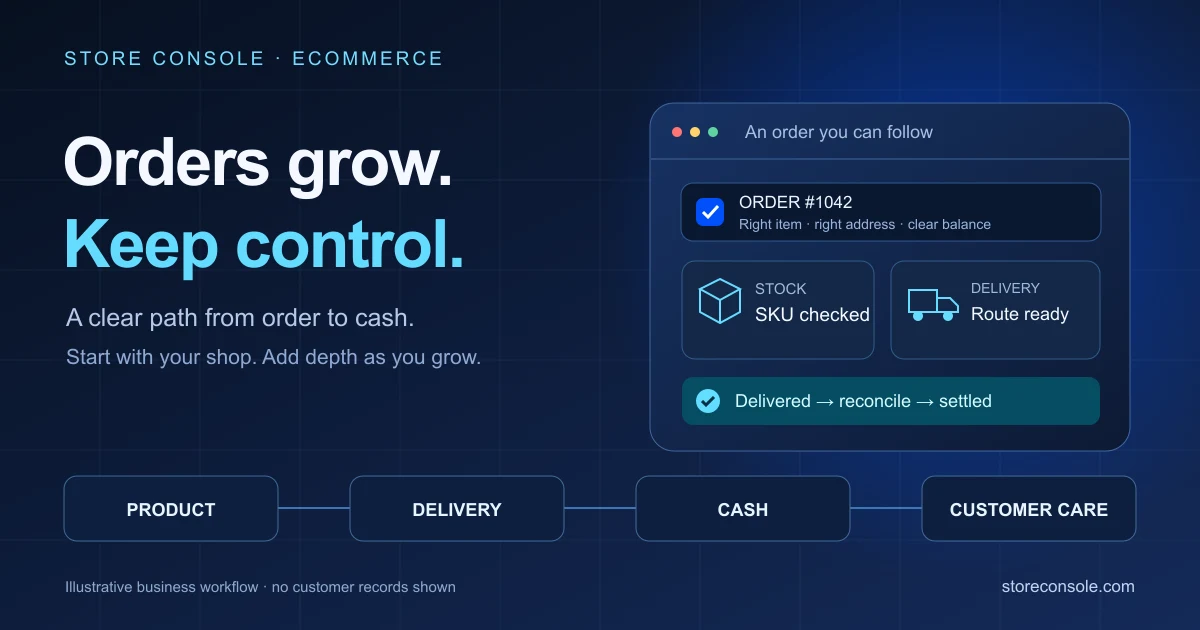
Review what happened after checkout. A high-performing ad is less useful if stock is wrong, replies are late or deliveries fail. This is where connected ecommerce and ERP records make the marketing conversation more practical.
Frequently asked questions
Can every teammate see and change the same calendar?
No. Active modules and role permissions determine the sources a person can see and the actions they can take. Viewing, editing, scheduling, cancelling, retrying and approving are separate responsibilities. Shared navigation does not grant access.
Will AI run ads or publish everything automatically?
These prompts request proposals. Actual behaviour depends on the available tool, configured autonomy and the user's permissions. Risky changes require review; the Meta campaign creation flow starts paused. Verify the final state instead of treating an AI response as publication evidence.
Where should a small team start?
Choose one product, one connected channel and one review owner. Publish a small approved sequence, verify the results and improve the weakest step. Expand once the team can reliably operate the whole path.
Make the next campaign easier to run. Explore the Store Console guides, then build a plan around the ecommerce, ERP and Social Hub capabilities your business needs. Start with a clear promise to the customer, and keep that promise all the way to delivery.


 E-commerce