

Run it on your own infrastructure.
Any provider you like.
Store Console is self-hosted, so your data stays on servers you control. We do not sell or resell hosting — choose whatever provider or hardware suits you. These are the requirements.
Your server, any provider.
Start evaluation with 2 vCPU and 4 GB RAM. A live store with ERP may start at 4 vCPU and 8 GB; test your workload before sizing production. This film shows the Docker route.
Your server, your bill, your data
Choose a supported hosting provider or your own hardware. Keep backups and test recovery. When moving an installation, review the license’s activation and site limits before changing the domain or server.
Pick a size for your workload
Size the application, database, queue workers and optional real-time services together. 8 GB RAM is a production starting point, not a capacity guarantee; storage, traffic and enabled modules change the requirement.
Evaluation
- Runs the app, PostgreSQL and Redis together
- Fine for seeding demo data and exploring modules
- Not sized for real customer traffic
Production
- App, PostgreSQL, Redis, queue workers and real-time together
- Headroom for background jobs, exports and search indexing
- Comfortable for a real catalog plus back-office users
Scale
- Heavy order volume with ERP modules active
- Room for AI embeddings and larger media libraries
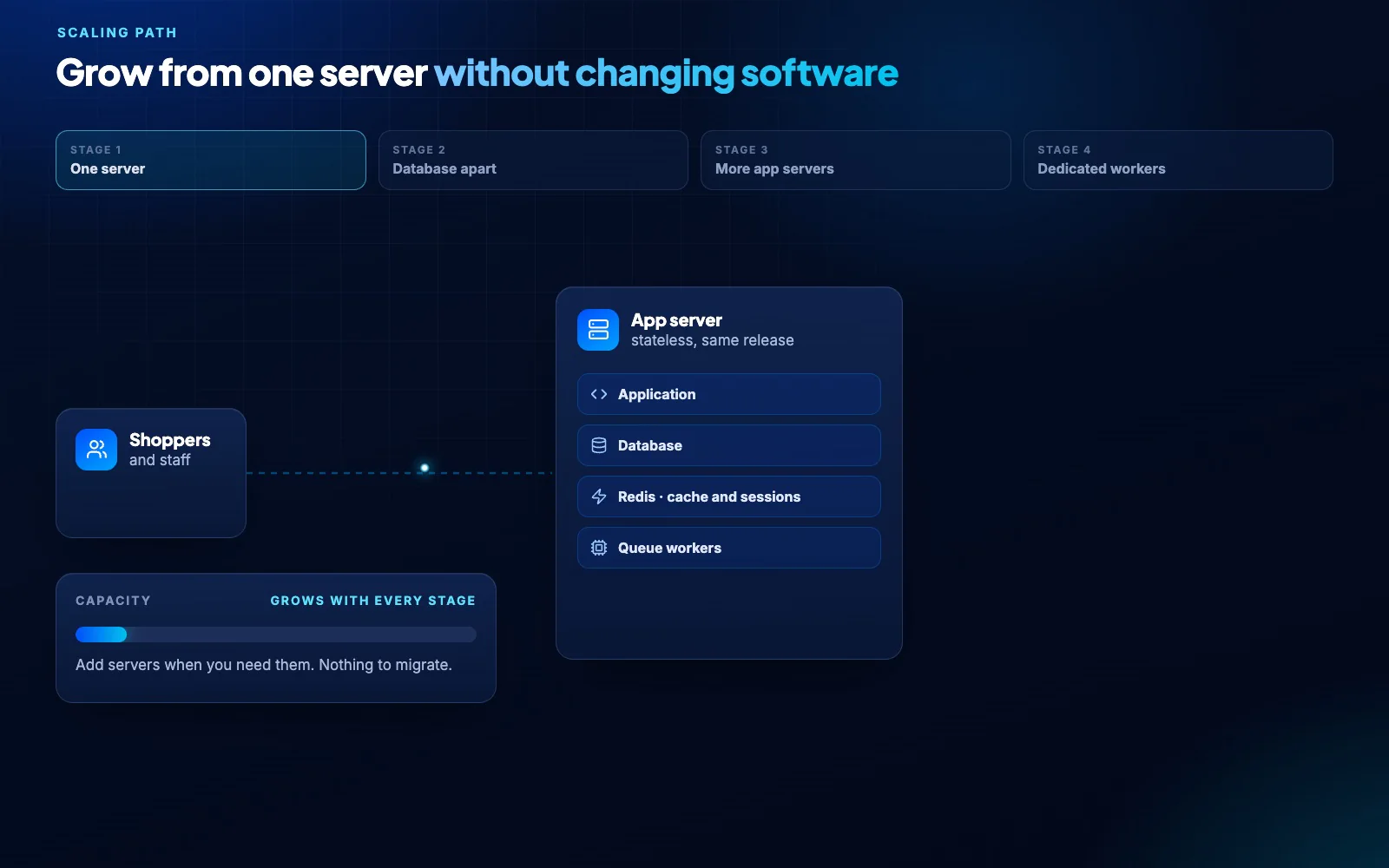
- Split services across hosts when you outgrow one box
What the server needs
Operating system
Any modern 64-bit Linux with Docker and Docker Compose. Root or sudo access.
Runtime and data
PHP 8.4 with bcmath, gd, intl, pdo, redis and zip; PostgreSQL 15+ (MySQL 8+ supported); Redis 7+ for cache and queues.
Network
A domain pointed at the server and ports 80/443 open. TLS certificates are issued automatically.
How to install Store Console on your own server.
From purchase to a running store: one install command, activate your license, and the setup wizard does the rest.
Your platform, your server.
Install on infrastructure you control, activate your license and complete the installation checks before inviting customers.