One self-hosted console to run your entire business — commerce, ERP, HRM, CRM & manufacturing
Platform · Self-hosted · 42 modules

Every feature to run the business.On a server you own.

Store Console is one self-hosted platform for commerce, operations, finance, people and AI. Switch on only the modules you need, keep every record in your own database, and grow without moving to a new system.

14-day free trial30-day money-back guaranteeNo per-seat feesYour server, your data
Twenty-four Store Console modules switch on lane by lane, then one sale flows from the storefront through inventory, manufacturing, fulfilment and delivery to accounting
Switch on what you need. One sale reaches every module without re-typing
What you can run

Sales, stock, production, books and people on one source of truth.

Each module owns its job and shares its data with the rest, so a sale reaches stock, delivery and the ledger without anyone typing it twice.

Commerce

Sell online and at the counter from one catalogue.

Run your storefront, point of sale and checkout on the same products, prices and customers, with payments, reviews and loyalty built in.

StorefrontYour brand, your pages, SEO-ready
Point of saleRegisters and receipts in sync with stock
CatalogVariants, bundles, brands and tier prices
CheckoutCoupons, wallet, gift cards and gateways
Store Console point of sale ringing up sales with live stock and receipts
Operations

Stock, orders and deliveries that update themselves.

Every sale reserves stock in the right warehouse, raises the fulfilment work and hands the parcel to your riders or courier, with live status for the customer.

  • Multi-warehouse inventory with low-stock alerts
  • Order management from payment to refund and invoice
  • Couriers, zones, drivers and live parcel tracking
  • Vendors, purchase orders and goods receipt
Store Console multi-warehouse inventory recording stock movements live
ERP

Accounting, HR, payroll and CRM without another subscription.

The back office reads the same records as the front office: orders post their own journal entries, payroll reads attendance and leave, and CRM sees what each customer bought.

AccountingDouble-entry, automatic journals
HRM and payrollAttendance, leave, payslips and tax
CRMPipelines with AI lead scoring
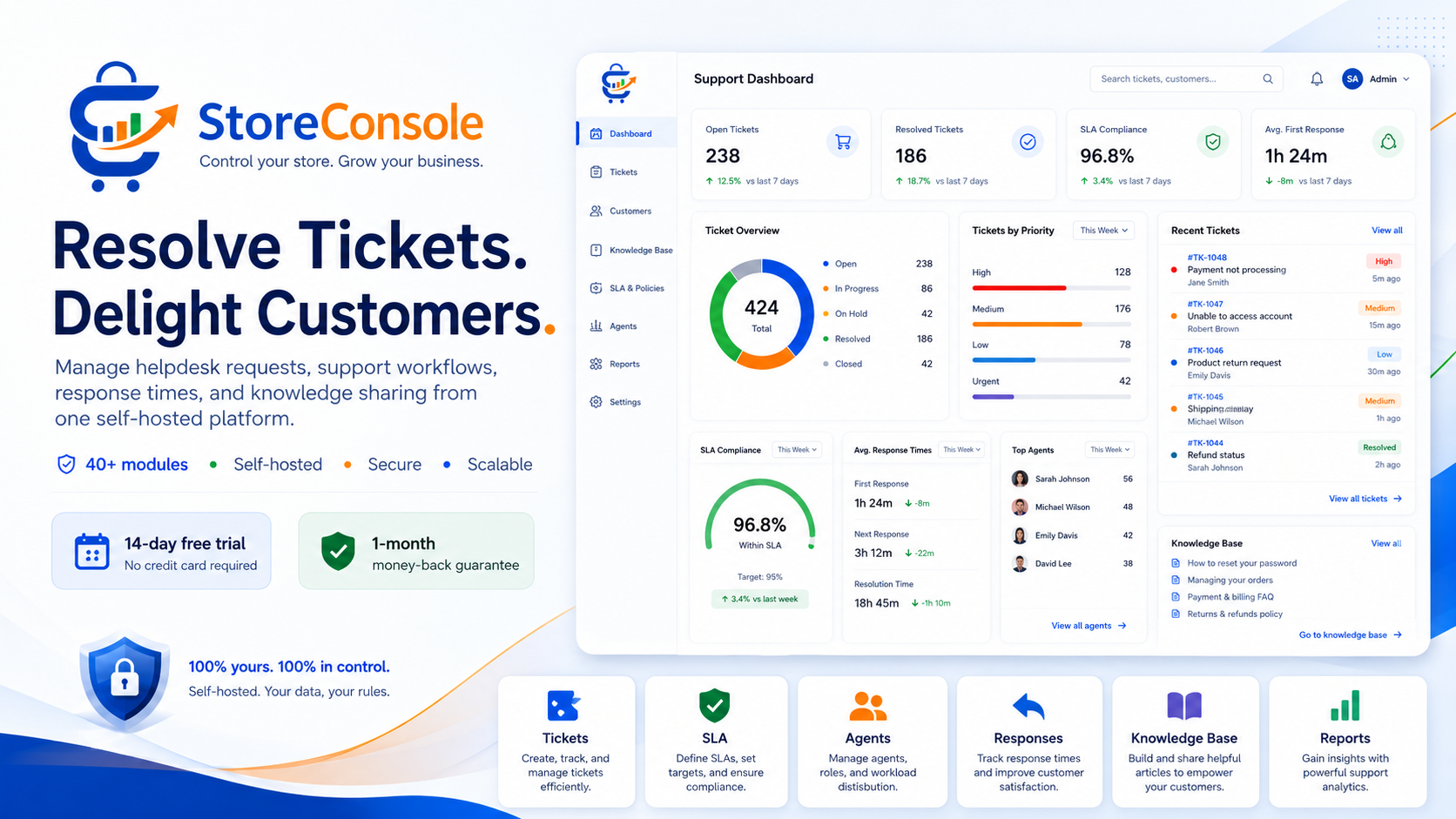
SupportTickets, SLA timers and a knowledge base
Store Console back office updating live: an invoice posts to the ledger, leave and a deal are approved and month-end close completes
Manufacturing

Plan, make, inspect and trace every batch.

Bills of materials, production orders, quality checks, costing and lot traceability, connected to the stock you sell and the orders that need it.

  • Bills of materials and routings
  • Production planning and work orders
  • Quality inspections before release
  • Lot traceability from supplier to customer
One sales order moves through MRP, work order, materials, quality, finished goods, costing and delivery, and the ledger stays balanced
Built in, not bolted on

The parts most businesses buy separately come with the platform.

AI, your public website and the controls that keep data safe are part of every installation, so there are fewer tools to pay for and fewer places for data to leak.

AI assistant

An assistant that reads live data and waits for your approval.

Ask from the admin, Telegram, Slack, WhatsApp or Discord. Answers come from your current records, and anything that changes data is shown as a draft until an authorised person confirms it.

Live contextAnswers from current module data
Your permissionsTools follow the linked user and role
Drafts firstTotals and side effects shown before a write
Your AI keysOpenAI, Anthropic or a local model
A manager asks on Telegram which items run out; the assistant reads live stock, drafts three purchase orders and sends them only after the manager approves
Website and content

Your website, blog and docs, edited like the rest of the admin.

Build pages with typed drag-and-drop blocks that read your live catalogue, publish articles and documentation, and manage menus, SEO and translations without a developer.

  • Page builder with desktop, tablet and mobile previews
  • Built-in blog and versioned product documentation
  • SEO titles, descriptions, sitemaps and structured data
  • Multi-language storefront with right-to-left support
A Reviews block is dragged onto the page, the headline is edited, the image becomes a video, the page is previewed on mobile and published
Security and control

The right access for every person, and a record of every change.

Give each person exactly the access their role needs, protect sign-in with two factors and keep scheduled backups of your database and files that restore in one click.

Roles and permissionsPer-module access for every team
Two-factor sign-inAuthenticator apps and passkeys
Audit trailWho changed what, and when
BackupsScheduled snapshots and restore
A sign-in from an unknown device is blocked, then an approved request passes network, identity, permission, data, AI and recovery checks
What self-hosted means

You own the installation. We keep it moving forward.

Store Console runs on infrastructure you choose. We ship the releases, the licence and the documentation; your records never leave your servers.

Any provider

Deploy with Docker on any cloud VPS or on your own hardware, with full root access.

Your database

Orders, customers, payroll and audit records stay in your PostgreSQL or MySQL.

Priced per site

Add people without paying per seat. Pay monthly, yearly or once for life.

No lock-in

Move servers whenever you like. Your licence and your data move with you.

01

Build your plan

Pick the modules you need and see every price before checkout.

02

Get your licence

Your licence key and download arrive the moment checkout completes.

03

Install and run

Follow the documented installer on your server and activate with your key.

Before you choose a server
64-bit Linux with Docker4 vCPU, 8 GB RAM, 80 GB SSD for productionPostgreSQL 15+ or MySQL 8+Redis 7+ for cache and queuesTLS certificates issued automatically
The platform in a minute

See the whole platform in 60 seconds.

A short tour of what Store Console replaces, the modules you can turn on and how the AI assistant works with your team.

StoreConsole · Platform overview1:01
Store Console in 60 seconds, platform overview video
Every module also has its own narrated tour on our YouTube channel.
01

Too many tools

Separate apps for the shop, stock, books and people never agree.

Today
02

One console

Every team works on the same records in one installation.

Store Console
03

Only what you need

Turn on modules as you grow, without rebuilding anything.

Modular
04

AI with approval

Ask from chat; changes wait for a person to confirm.

AI
Self-hosted or rented

What changes when you own the software.

A plain comparison with the usual way of buying business software as a monthly cloud subscription.

 
Store Console
Typical cloud subscription
Where your data lives
Your server and your database
The vendor’s cloud
How the price grows
Per site, never per seat
Per user, every month
What you pay for
Only the modules you switch on
Fixed plans with features you never use
Owning it
Monthly, yearly or lifetime licence
Rented for as long as you pay
Website, blog and docs
Included and connected to your data
Separate tools and plugins
AI
Included, on your own AI keys
Often a paid add-on
Before you deploy

Questions buyers ask about self-hosted software.

What does self-hosted mean for my business?

You install Store Console on a server you control: a cloud VPS, a dedicated machine or your own hardware. The application, the database and your files live there, so your business records never sit on our servers.

What server do I need?

Any modern 64-bit Linux server with Docker. For a live store or ERP we recommend 4 vCPU, 8 GB RAM and an 80 GB SSD. See the full requirements.

Can I start with a few modules and add more later?

Yes. Pick only what you need today in the pricing builder. Modules you add later connect to the data you already have.

Do I need a developer to run it?

Not for day-to-day work. Pages, menus, settings, users and modules are managed from the admin. Installation follows a step-by-step guide in the documentation.

Can I see it before I buy?

Yes. The live demo runs every module with sample data, and each module has a narrated video tour.

How does the free trial work?

The 14-day trial checks out at $0 with a payment method on file. Cancel before day 15 and nothing is charged. Your first paid renewal is covered by our 30-day money-back guarantee.

Run the whole business on software you own.

Start the 14-day trial, switch on the modules you need and install Store Console on your own server.