A leather-goods shop posts a new bag online. Orders arrive faster than expected. The workshop needs to know how much leather, lining, thread and hardware to prepare; which work centre can make the next batch; and how many finished units can be promised without ignoring existing orders.
A manufacturing ERP connects those decisions to the rest of the business. In Store Console, the Manufacturing module treats product definition, demand, materials, planning, production orders, quality, traceability and cost as connected records. It plans and records work; it does not directly control machines or PLC/SCADA equipment.
Describe what the product needs
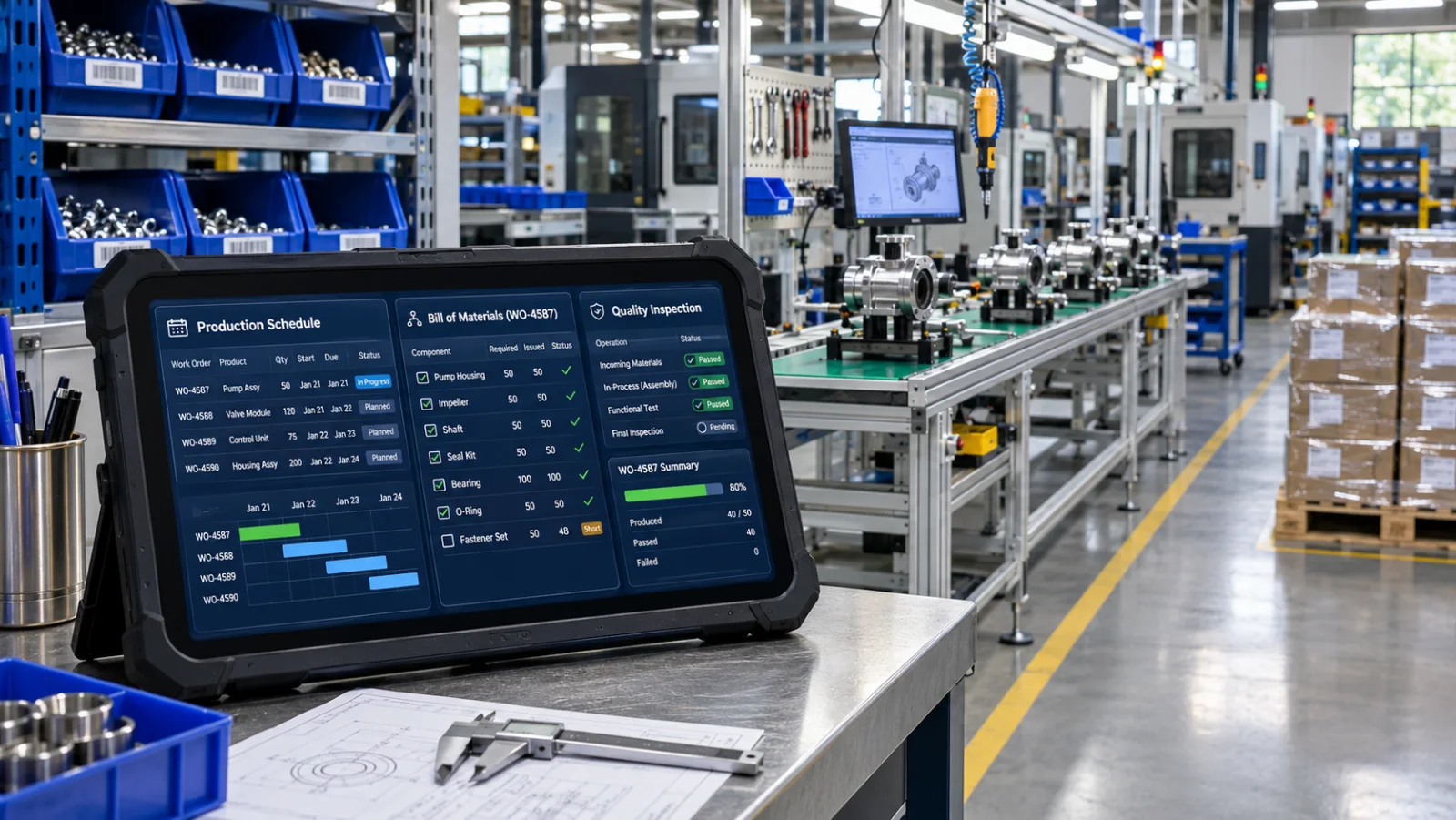
A bill of materials lists component items and quantities for an output. Published BOM versions are immutable, so a product change becomes a new version with a history. Routings describe the operation sequence and work centres can carry rates and capacity. Node capabilities say which site is allowed to make a product. Standard cost versions provide an approved unit-cost basis for readiness and later reconciliation.
For the bag, the BOM might specify the leather panel, lining, zipper, buckle and packaging. A routing can describe cutting, stitching, finishing and inspection. If the design changes, a new BOM version keeps earlier production tied to the recipe actually used.
Turn orders into a plan
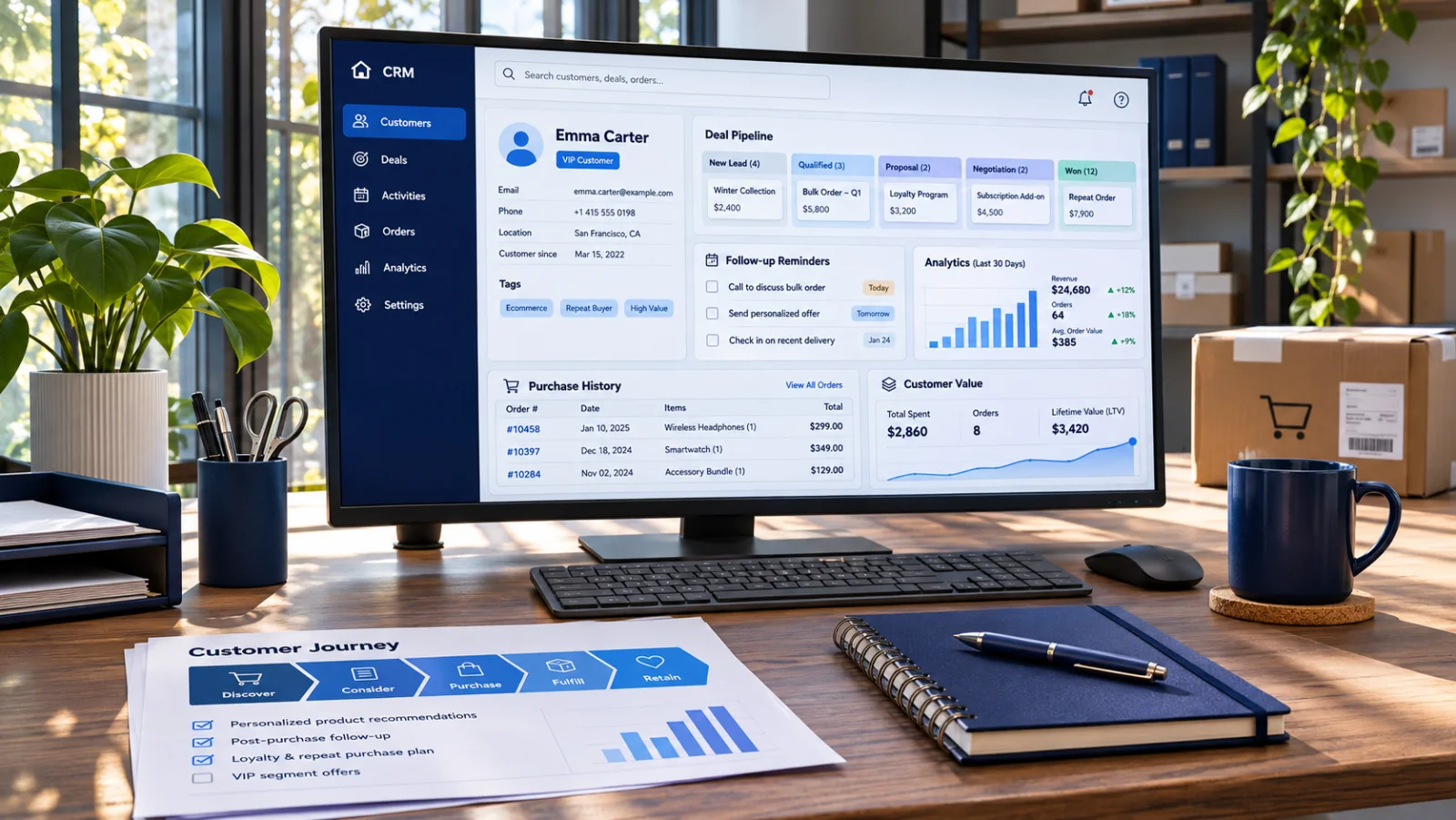
Demand can come from sales orders, forecasts, manual requests or replenishment needs. A planning run nets available stock, reservations and scheduled receipts, then proposes explainable planned orders or procurement requirements according to policies such as safety stock, yield, lot size and make-or-buy. A planner reviews and firms a proposal; planning does not silently create an irreversible shop-floor job.
Before release, the production order checks readiness against its snapshot and required setup. The operator can start, pause, resume and complete operations, record labour, material consumption, output, scrap or rework, and capture reasons. Consumption follows the configured BOM policy. The final accepted quantity can enter inventory after required inspection.
Protect quality and traceability
Where the routing requires inspection, output waits for a disposition such as pass, reject, concession, rework or scrap. Lot and serial genealogy can help trace components forward to finished items or backward from a product to its inputs. A certificate of analysis or retained sample can attach to the inspection when the process requires it. These records help investigate a defect; they do not replace a company’s quality procedures or product regulations.
Know the cost of completing the order
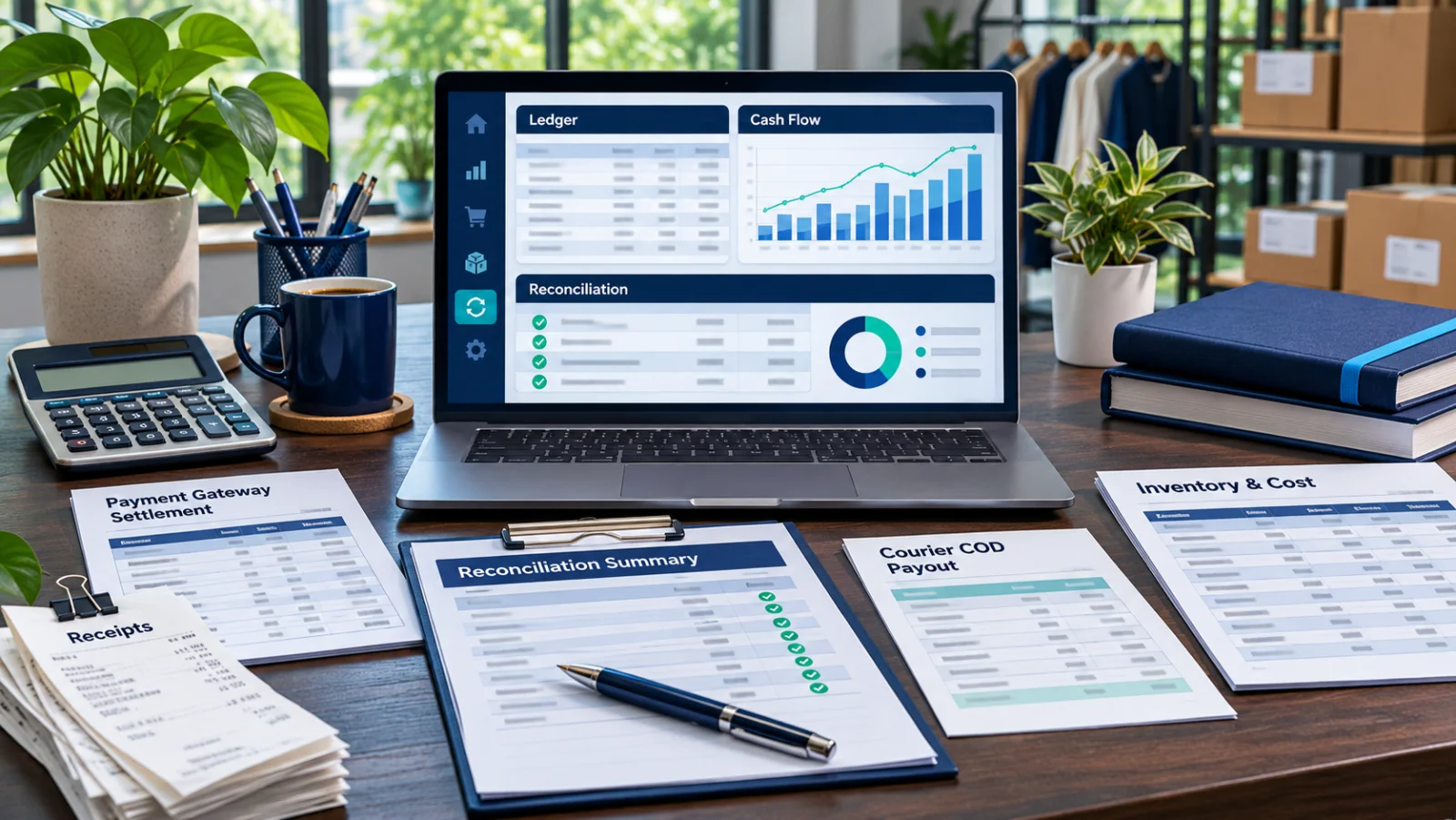
Settlement can bring together inventory-valued material, labour, overhead and variance facts. Configured posting rules hand the financial consequences to Accounting. The order closes only when work-in-process is settled to zero, or a supported close-short process records why it ended early. This gives ecommerce, purchasing, workshop and finance teams a shared view of the same production event.
Start with one product family
- Choose one frequently ordered product and validate its units and component stock.
- Set up its work centre, BOM, routing and approved standard cost.
- Review demand signals and planned-order proposals before firming them.
- Record production, inspection and accepted stock through the defined steps.
- Compare actual material, labour and variance with the original plan.
Manufacturing ERP software is most useful when the product recipe and real production habits are maintained. Start with a narrow product family, confirm the numbers with the people who make the goods, then expand the model to more products and sites.
Plan the batch from materials to finished stock
The workshop confirms that one production line can make 80 bags this week, but an online promotion could sell more than that. The planner checks open orders, available finished goods, work in progress and expected demand before releasing another batch. A bill of materials lists the leather, lining, thread and hardware for one unit; the required quantity scales with the planned batch. If a material is short, the buyer can review the purchase requirement before the work order reaches the floor.
A routing describes the operations and work centres involved, while a work order makes the planned quantity and target dates visible to production. As the team records material issues and completed operations, the system can update work-in-progress and finished-goods records according to the configured workflow. A revised design should use a new controlled BOM version so that the team can identify which specification was used for each batch.
Keep quality, traceability and cost connected
Inspection results can be recorded against defined quality checks; a failed check should trigger review rather than silently treating the product as ready to sell. Where the business uses lot or serial tracking, keep the relationship between incoming materials, work order and finished units so a later quality question can be investigated. Actual material and operation costs can be compared with the planned cost to understand where a batch used more time or input than expected. These records support better decisions; they do not replace skilled quality control or guarantee every unit is defect-free.
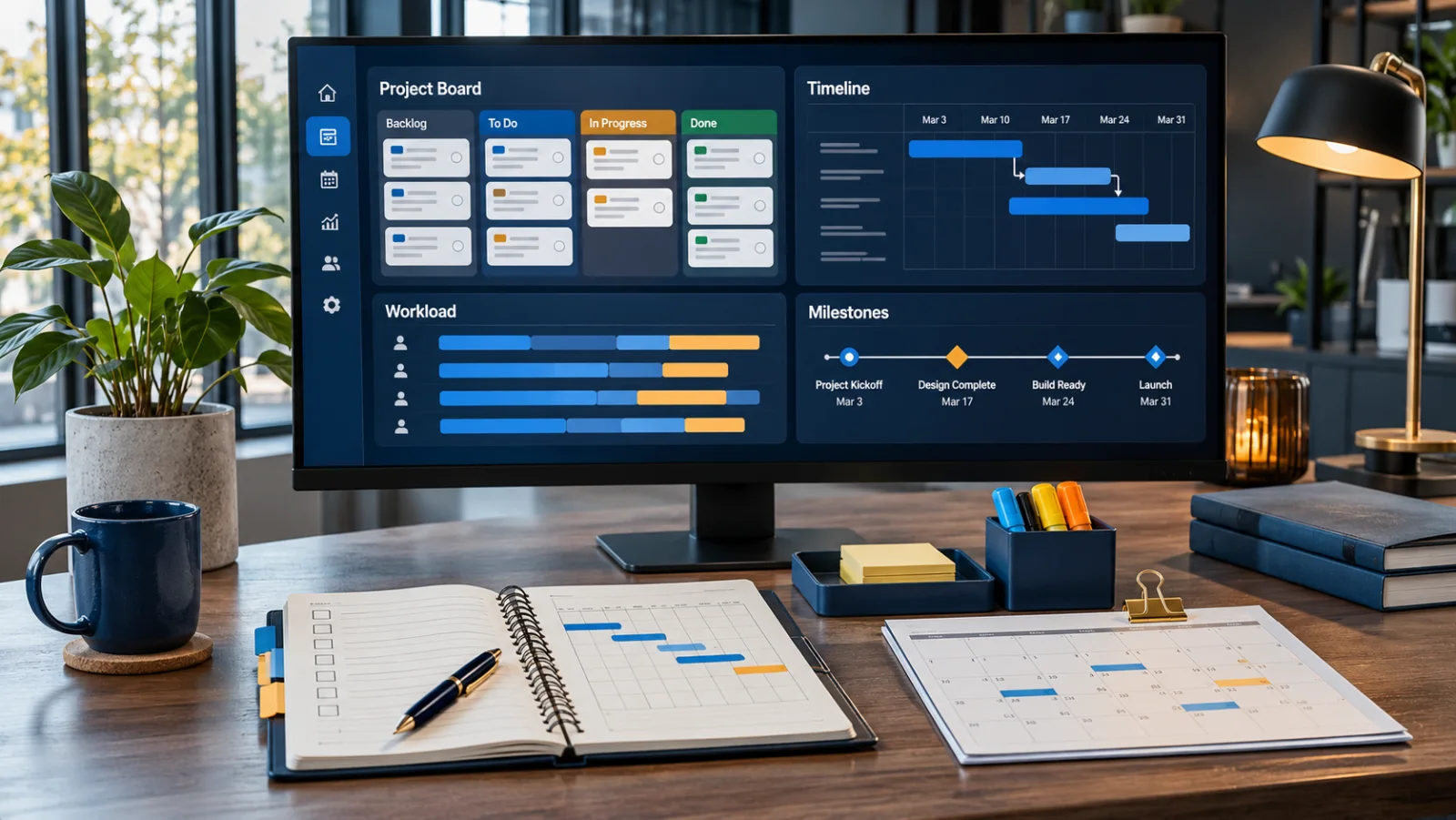
Oracle’s manufacturing process overview describes how planning, work orders and finished inventory connect in a production workflow. For a growing online business, manufacturing planning also needs to line up with cash commitments, team and launch dependencies, and customer demand recorded in the commerce operation. Start with one product family, verify the bill of materials and routing, and only then expand the planning scope.
Common questions
Can an ecommerce business use manufacturing ERP?
Yes, when it makes or assembles products and needs to plan components, work orders, quality and finished stock alongside online demand.
Does production planning guarantee stock availability?
No. Plans rely on current inventory, demand, lead times, policies and timely transactions. Review exceptions and confirm promises against live availability.
Manufacturing features depend on installed modules, node access, policies and configuration. See the Manufacturing guide and platform features.