ऑनलाइन सॉफ़्टवेयर कैसे बेचें: Licenses, Releases और Subscriptions
सिर्फ release करना काम का आधा हिस्सा है। जानिए, एक छोटी सॉफ़्टवेयर टीम कैसे product setup, Git-based builds, licenses, subscriptions और customer downloads को एक भरोसेमंद system में जोड़ती है।
लेखक
Anichur Rahaman
11 घंटे पहले9 मिनट पढ़ें10 दृश्य
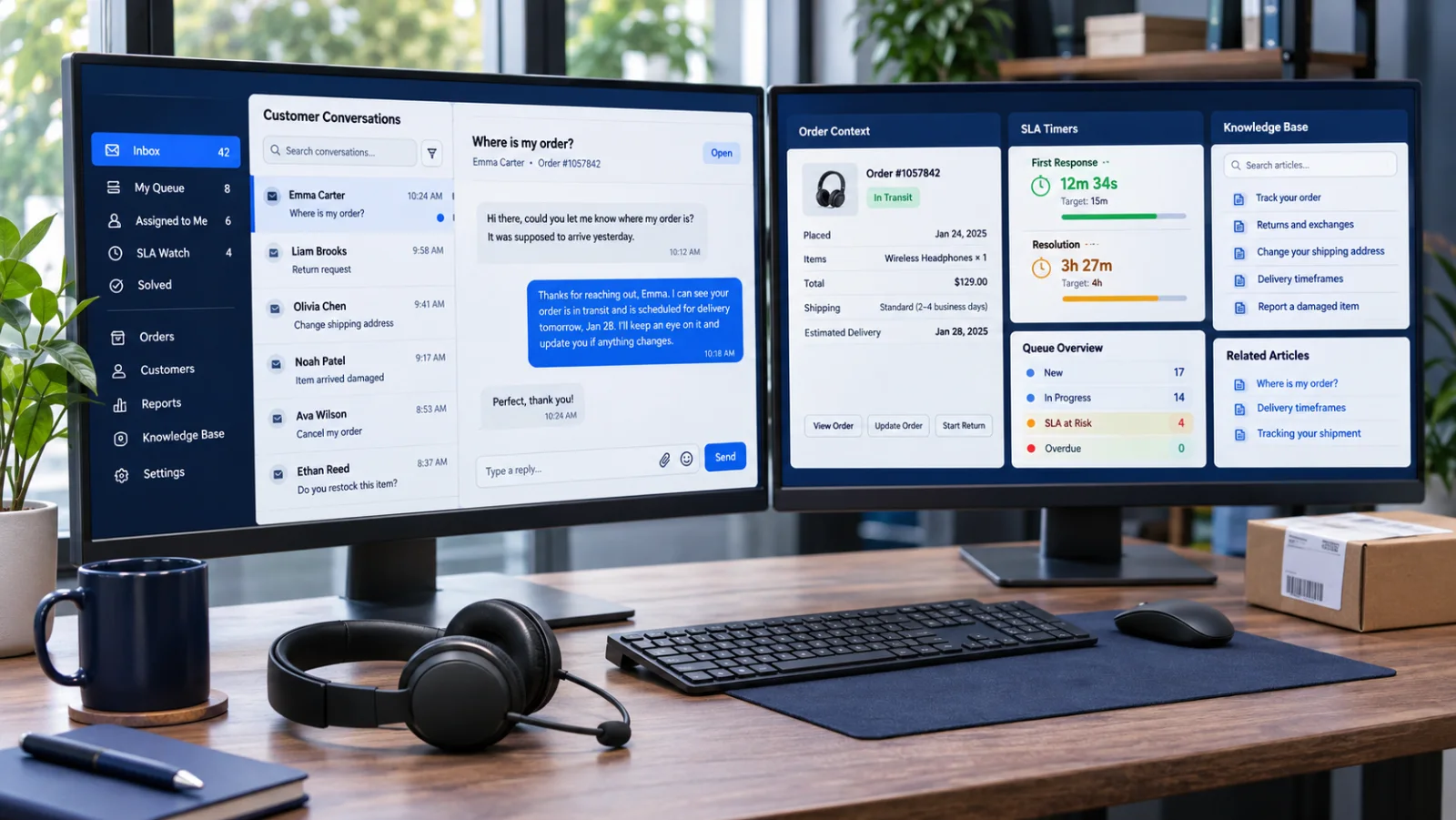
शुक्रवार दोपहर है। एक छोटी सॉफ़्टवेयर टीम ने अपनी पहली बिक्री की है। ग्राहक ने काम का एक tool खरीदा और टीम जश्न मना रही है—तभी असली सवाल सामने आते हैं। Latest download कौन सा है? License key कहाँ मिलेगी? Subscription में यह update शामिल है या नहीं? अगला version कौन भेजेगा?
सॉफ़्टवेयर में कोई गड़बड़ी नहीं है। बस sales workflow उस spreadsheet, shared folder और manual emails से तेज़ी से आगे बढ़ गया है, जो पहले इस काम को सँभाल रहे थे। यह एक illustrative composite scenario है, customer case study नहीं। यह एक आम बदलाव दिखाता है: जैसे ही सॉफ़्टवेयर के paying users आ जाते हैं, सिर्फ ZIP file भेजना काफी नहीं रहता; अब product, release, license और लगातार चलती customer relationship भी संभालनी पड़ती है।
एक साफ़ रास्ता code release, build artifact, license-based access और customer delivery को जोड़ता है। Tagged release एक जानबूझकर तय किया गया checkpoint है; random code push को customer release बनाना ज़रूरी नहीं।
पहली बिक्री के बाद असली काम शुरू होता है
शुरुआत में founder payment notification को customer से मिला सकता है, file email कर सकता है और key message में paste कर सकता है। दस customers होने पर यह अब भी manageable लगता है। सौ customers होने पर वही तरीका नए risks लाता है: नए customer को पुराना build मिल सकता है, renewed subscriber updated file ढूँढ नहीं पाता, test installation paid seat इस्तेमाल कर सकता है, या canceled plan और active key अलग-अलग बात बताते हैं।
ये सिर्फ engineering problems नहीं हैं। हर समस्या support का काम बढ़ाती है और buyer को सोचने पर मजबूर करती है कि product maintain हो रहा है या नहीं। भरोसेमंद digital product business को चार सवालों के सरल जवाब चाहिए: customer ने क्या खरीदा, वह कौन सा release access कर सकता है, access की जाँच कैसे होती है और वह file कहाँ से लेगा?
पहले offer को आसान और साफ़ बनाइए
अपने product catalog में सॉफ़्टवेयर को digital product की तरह बनाइए और बेचने वाला option तय कीजिए—जैसे one-time license या अपनी अलग term और activation allowance वाला subscription plan। Storefront description, price, order और fulfillment को एक साथ जोड़कर रखिए। इससे जो item customer ने खरीदा, access देने के लिए भी वही item इस्तेमाल होगा।
Digital सिर्फ सॉफ़्टवेयर नहीं होता। Downloadable guide, template, audio file या दूसरा तैयार asset भी protected download और sensible download limits चाहिए, लेकिन build server नहीं। Versioned application अलग है: उसके releases, compatibility requirements और customers होते हैं, जिन्हें यह जानना होता है कि वे कौन सा version पा रहे हैं। Fulfillment path को product के हिसाब से चुनिए।
अगर आप physical products, services या add-ons भी बेचते हैं, तो वही catalog digital offer के साथ उन्हें भी रख सकता है। ज़रूरी यह नहीं कि हर item पर एक ही delivery rule लगे; ज़रूरी है कि product record और उसका order एक ही commerce workflow में traceable रहें।
फिर release को repeatable delivery में बदलिए
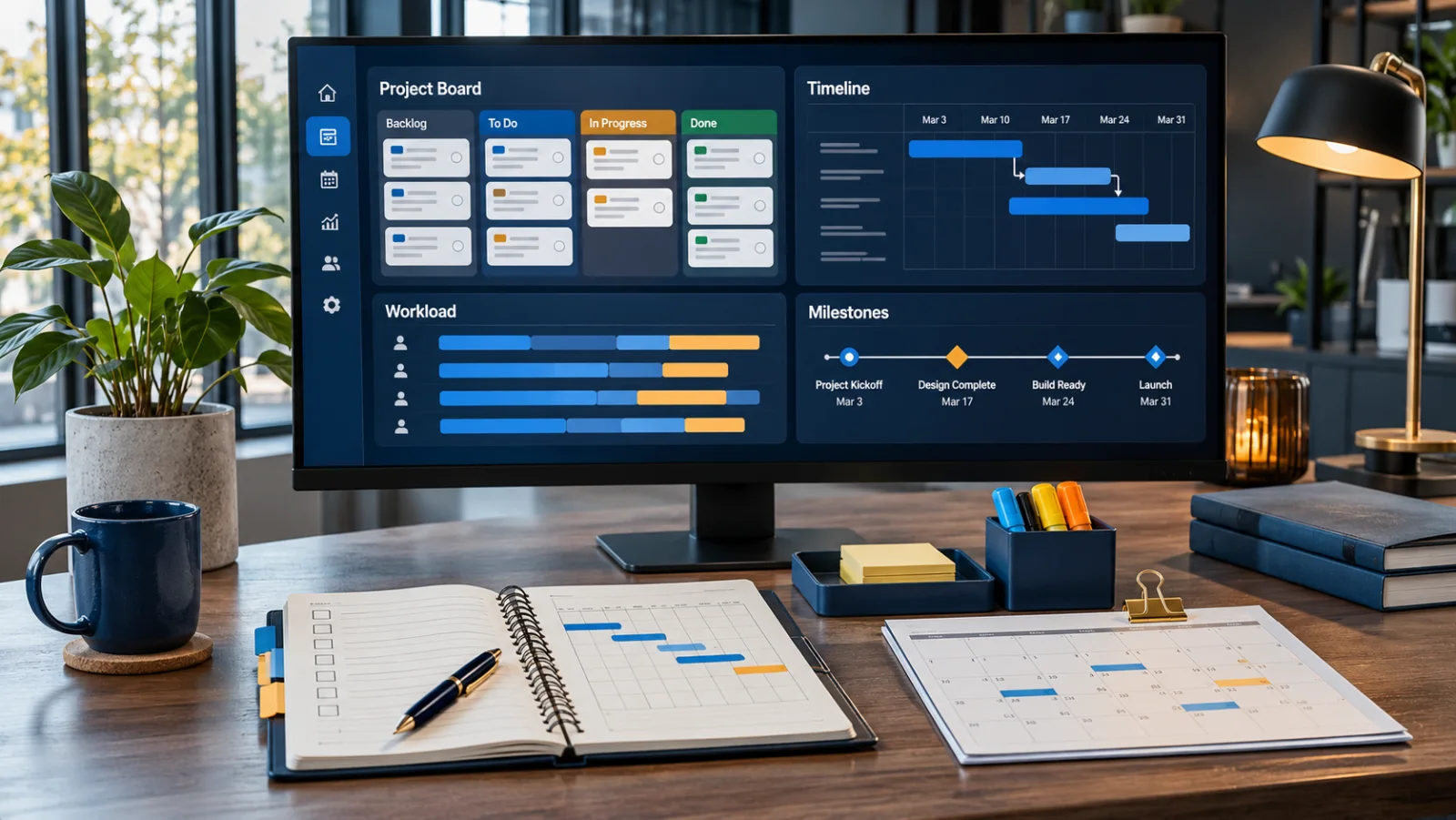
Git जोड़ने का मतलब यह नहीं कि हर commit ship हो। Release tag बेहतर boundary है: यह team को बताता है कि build और distribution के लिए कोई खास version तैयार है। Repository release बनने पर GitHub, GitLab या Bitbucket release workflow को notify कर सकते हैं। Custom Git source को manually trigger किया जा सकता है।
Source जोड़ें। Product variant के लिए repository, branch और build profile चुनिए।
Release tag बनाइए। Tag और release notes से तय कीजिए कि customers को कौन सा version मिलना चाहिए।
Runner में build कीजिए। Verified release event isolated Release Runner environment में build को queue करता है।
जाँचकर publish कीजिए। लौटा हुआ artifact उसके file, checksum और release notes के साथ versioned product release बनने से पहले check किया जाता है।
साफ़ तरीके से recovery कीजिए। अगर build fail हो और उसका source अभी भी active हो, तो failure देखकर Builds screen से उसे retry कीजिए। ज़रूरत पड़ने पर manual build path भी उपलब्ध है।
Published release सिर्फ नए नाम वाली file नहीं है। इसमें version, release notes और कुछ ज़रूरी शर्तें हो सकती हैं, जैसे minimum version। Team नए release को default बना सकती है या नए version की जाँच करते समय known-good version पर pin रख सकती है। इससे customer के “Which build should I install?” सवाल पर support बिल्कुल सही release बता सकता है।
यही Git-based release automation और blind auto-deploy के बीच फ़र्क है: source event validate होता है, build public storefront से अलग चलता है और artifact को उपलब्ध करने से पहले verification पास करना होता है। creating and managing releases पर GitHub की guide और product workflow के लिए Store Console की Git Connector guide देखिए।
License बताना चाहिए कि कौन क्या और कब तक इस्तेमाल कर सकता है
License key तभी काम की है जब वह purchase को दिखाए। Versioned software product में license record customer, order, product option, term और allowed activations को जोड़ सकता है। License service फिर access verify करती, activations दर्ज करती और time-limited links के ज़रिए downloads देती है। यह casual sharing रोकने का practical control है, इसका वादा नहीं कि कोई सॉफ़्टवेयर copy ही नहीं कर सकता।
Subscriptions में manage करने के लिए एक और state जुड़ जाता है। Successful renewal से subscription के दिए गए access term को आगे बढ़ना चाहिए। Cancellation, failed renewal, refund या expiry पर store की configured commercial policy और payment state लागू होनी चाहिए। Product, billing provider और license rules को साथ रखिए और renewal तथा end-of-term behavior checkout से पहले समझाइए। Customers को कभी guess नहीं करना चाहिए कि version हमेशा उनका रहेगा, updates fixed period मिलेंगे या subscription चलने तक ही access रहेगा।
“Installer download कर लिया” और “software इस्तेमाल करने की valid right है” इन दोनों को अलग रखना भी फ़ायदेमंद है। Release file artifact है; license verification access का फ़ैसला करता है। अगर आपके application में in-app update checks हैं, तो उन्हें release और license flow से integrate करना होगा। सिर्फ release publish करने से ऐसा software update नहीं हो सकता जिसमें updater या version-check mechanism न हो।
Customer को लौटने की एक साफ़ जगह दीजिए
Confirmed purchase के बाद fulfillment सही license या digital entitlement दे सकता है। Customer account में buyer को अपनी license, eligible downloads और release history पुरानी email thread में ढूँढे बिना मिलनी चाहिए। साफ़ version notes customer को बताते हैं कि क्या बदला; support team बिना label वाला archive भेजने के बजाय सही release की ओर point कर सकती है।
यही separation team के लिए भी मदद करता है। License records, activation history, build outcomes, release metadata और download activity से support questions के जवाब आसान हो जाते हैं। Build fail हुआ हो तो build retry कीजिए—customer का purchase नहीं। Customer ने device बदला हो तो activation policy देखिए—पूरा release नहीं। हर operational issue को solve करने की अपनी जगह है।
Platform चुनिए उसके काम के हिसाब से जो आप सौंपना चाहते हैं
“Software selling platform” का मतलब कई अलग-अलग चीज़ें हो सकती हैं। कुछ services plugin और theme licensing, automatic updates या Git deployment पर focus करती हैं; दूसरों में checkout, subscriptions, license management और tax या Merchant-of-Record services शामिल होते हैं; commerce platforms digital fulfillment दे सकती हैं और अलग license server से जुड़ सकती हैं। उदाहरण के लिए, Appsero के WordPress licensing और deployment features, Freemius checkout और monetization, तथा FastSpring fulfillment options की documented coverage की तुलना कीजिए। इनका scope एक जैसा नहीं है, इसलिए तय करने से पहले मौजूदा product, pricing, supported sales channels और terms जाँच लीजिए।
तय करने से पहले चार सवाल पूछिए: क्या system आपके software type के लिए suitable है; क्या यह releases build और distribute करता है या सिर्फ keys check करता है; payments और subscription changes से access कैसे बदलता है; और आप जिन देशों में बेचते हैं, वहाँ payment taxes, refunds और compliance कौन संभालता है? Self-hosted store commerce और fulfillment workflow पर आपको control देता है, लेकिन अपने आप आपको Merchant of Record नहीं बनाता और legal या tax obligations भी नहीं लेता। इन duties की पुष्टि अपने payment provider और qualified local advice से कीजिए।
Store Console उन teams के लिए बना है जो अपना ecommerce और operations system रखना चाहती हैं और उसमें digital product listings, checkout, license management, subscriptions और release delivery को जोड़ना चाहती हैं। Versioned product Git-based source और isolated build runner इस्तेमाल कर सकता है; तैयार digital file direct fulfillment पर चल सकती है। शुरुआत product की ज़रूरत के हिसाब से रास्ता चुनकर कीजिए और customer base बढ़ने पर operations में ज़रूरी structure जोड़ते जाइए।
उस दिन की तैयारी कीजिए जब vendor बदले
Platform continuity भी buying decision का हिस्सा है। इस guide की review के समय, Lemon Squeezy की official migration notice में बताया गया था कि वह March 31, 2027 से transactions processing बंद करने की plan बना रही है, और यह भी बताया गया था कि Stripe Managed Payments अपने आप digital files, license keys या download links deliver नहीं करेगा। इन fulfillment features का इस्तेमाल करने वाले sellers को दूसरा delivery solution तय करने की सलाह दी गई थी। Dates और migration options बदल सकते हैं, इसलिए काम करने से पहले provider की current official migration notice जाँच लीजिए। यह सीख हर vendor पर लागू होती है: customer, order, subscription और license data कैसे export करें, और shift के दौरान customers का access कैसे बना रहेगा, यह जान लें।
एक practical launch checklist
Product और license terms को आसान भाषा में समझाइए।
ऐसा price, billing term, activation allowance और renewal policy तय कीजिए जो offer से मेल खाता हो।
Launch से पहले successful order, license issue, activation और customer download की जाँच कीजिए।
Release पर tag लगाइए, build result देखिए, published version confirm कीजिए और उसका download verify कीजिए।
Safe environment में renewal, cancellation, failed payment, refund और expired-license behavior की जाँच कीजिए।
कभी-कभी होने वाली build failure के लिए manual upload या recovery path documented रखिए।
हर market के लिए payment methods, taxes, consumer rules और privacy requirements जाँचिए।
शुक्रवार वाली टीम अब किसी को सही ZIP ढूँढने और key paste करने के लिए नहीं भेजती। Release का एक version होता है; order traceable access बनाता है; subscription की साफ़ term होती है; और customers को वापस जाने की जगह पता होती है। ऑनलाइन सॉफ़्टवेयर बेचना सीखने का practical मतलब यही है: code से customer तक का journey समझदार और repeatable बनाइए।