One self-hosted console to run your entire business — commerce, ERP, HRM, CRM & manufacturing

Video Tutorials

Video Tutorials

Every StoreConsole module has a short narrated tour, recorded in the live demo. Most are about a minute long. Watch the tour first to see where things are, then open the guide beside it to do the same in your own store.

New here? Start with the 60-second overview below, then follow the learning path for your role.

StoreConsole in 60 seconds: commerce, ERP, HR and CRM in one self-hosted console.

Start here

Three short films that show what StoreConsole is, everything it can run, and how buying a plan works.

StoreConsole in 60 seconds video tour

StoreConsole in 60 seconds · 1:01

Watch · Read the guide

The whole platform video tour

The whole platform · 1:20

Watch · Read the guide

Plans, checkout and licence video tour

Plans, checkout and licence · 1:35

Watch · Read the guide

Selling online and in store

Products, orders, stock, the till, delivery, promotions, reviews and digital products.

Catalog video tour

Catalog · 1:01

Watch · Read the guide

Orders video tour

Orders · 0:47

Watch · Read the guide

Inventory video tour

Inventory · 0:54

Watch · Read the guide

POS video tour

POS · 1:05

Watch · Read the guide

Delivery video tour

Delivery · 0:54

Watch · Read the guide

Marketing & Loyalty video tour

Marketing & Loyalty · 1:03

Watch · Read the guide

Reviews video tour

Reviews · 0:41

Watch · Read the guide

Licensing video tour

Licensing · 0:58

Watch · Read the guide

Website and content

Build pages without code, publish articles and documentation, and keep every image in one library.

Page Builder video tour

Page Builder · 1:20

Watch · Read the guide

Blog video tour

Blog · 0:45

Watch · Read the guide

Docs video tour

Docs · 0:42

Watch

Media Library video tour

Media Library · 0:39

Watch · Read the guide

Back office

The ledger, budgets, people, salaries, customers, support, projects and the factory floor.

Accounting video tour

Accounting · 0:57

Watch · Read the guide

Finance video tour

Finance · 0:58

Watch · Read the guide

HRM video tour

HRM · 1:30

Watch · Read the guide

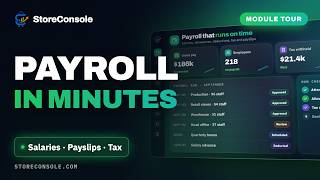
Payroll video tour

Payroll · 1:14

Watch · Read the guide

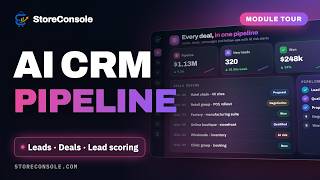
CRM video tour

CRM · 1:27

Watch · Read the guide

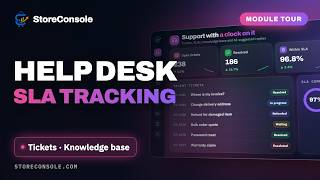
Support video tour

Support · 1:14

Watch · Read the guide

Momentum video tour

Momentum · 1:09

Watch · Read the guide

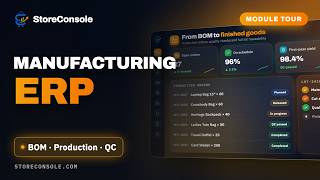
Manufacturing video tour

Manufacturing · 2:03

Watch · Read the guide

Platform and AI

Access control, backups and the assistant that works from your chat apps.

Users & Roles video tour

Users & Roles · 0:47

Watch · Read the guide

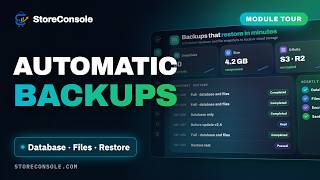
Backups video tour

Backups · 0:46

Watch · Read the guide

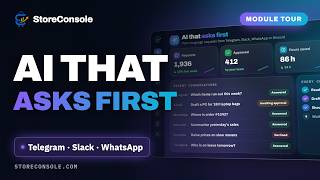
AI Assistant video tour

AI Assistant · 1:03

Watch · Read the guide

Tips for getting the most out of the tours

  • Watch with the demo open. Every tour was recorded in the public demo, so you can pause and click the same screens yourself.
  • Turn on captions. Every video has subtitles; YouTube can translate them into your language from the settings menu.
  • Use the Guide button. Inside the admin panel, the Guide button opens the written help for the screen you are on.
  • Subscribe for new tours. New modules and major features get their own video on the StoreConsole playlist.
Last updated: 10/5/2026